
One Vending Site Performs Better Than Another: Compare Like-for-Like Trading Days
Two vending sites can produce different weekly sales even when their machines and ranges look similar. Before declaring one location stronger, compare the trading conditions. Opening days, attendance, stock availability and other refreshment options can all change what the totals mean. A useful comparison explains the difference well enough to guide a practical decision, rather than simply ranking two revenue figures.
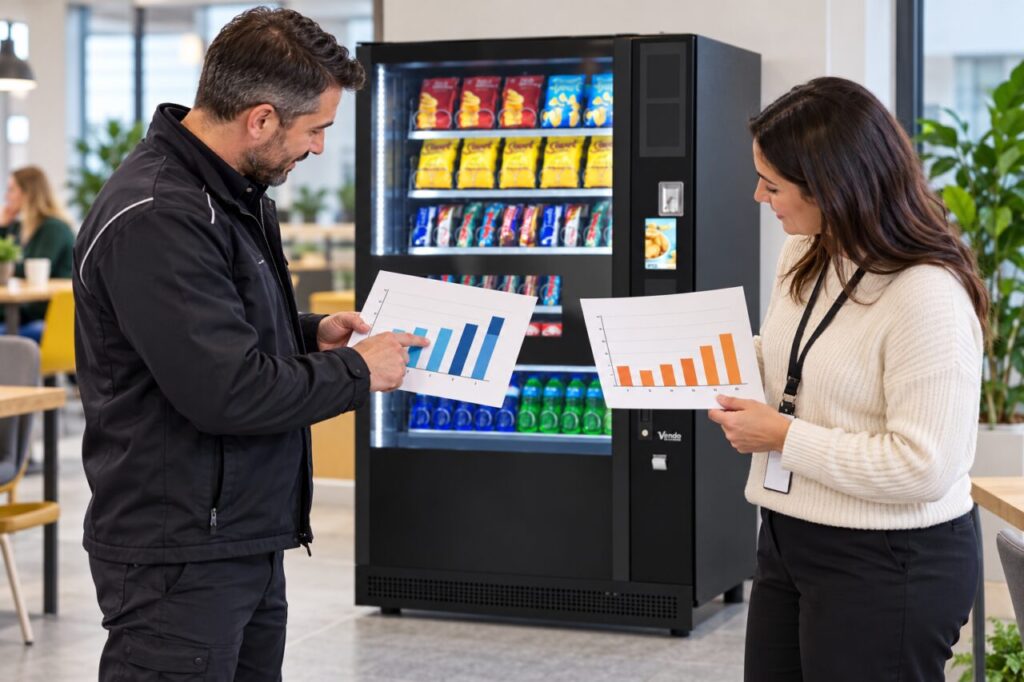
Put the periods on a common basis
Confirm that both reports cover the same dates and use the same sales definition. Check whether one site was closed for part of the period or whether one machine was unavailable. Keep those facts alongside the totals. A seven-day report does not mean seven trading days if the building only opens on weekdays or closed for an event.
Where appropriate, calculate sales per actual trading day as an additional measure. For an illustrative example, one hundred purchases across five open days average twenty per day. Eighty purchases across four open days also average twenty. The weekly totals differ, but that calculation alone does not show weaker demand at the second site. It is a starting point for further questions.
Check availability and audience differences
Review whether the intended range was available throughout both periods. A popular item selling out can limit observed purchases. Record known interruptions rather than treating the total as unconstrained demand. If detailed availability records are missing, say so. Avoid estimating lost sales as though every unavailable product would certainly have been purchased by someone.
Compare the audiences in practical terms: opening hours, staff presence, visitors and nearby alternatives. Do not assume equal building capacity means equal attendance. Ask site contacts about unusual events or closures and distinguish confirmed information from impressions. Keep personal staff data out of the review when aggregate attendance information is sufficient for the operational question.
Separate volume from product mix
A higher revenue total may reflect different prices or a different mix of products rather than more purchases. Where reliable records are available, look at units and sales value separately. Check whether either site ran an agreed promotion or employer-funded arrangement during the period. Do not compare the figures as though customers faced identical choices and payment conditions if they did not.
Use the findings to choose a specific test. If one site has repeated availability gaps, review replenishment. If customers cannot find a suitable product, gather focused feedback before changing the range. If opening time explains the difference, revise the planning assumption. Avoid copying the stronger site’s whole range without checking whether it answers the other audience’s needs.
Review a comparable later period
Agree what will be changed and what evidence would show improvement. Keep the observation period long enough to include the site’s normal operating pattern, and note unusual events as they occur. A one-week increase after a change is useful information, but it does not establish that the change caused the increase. Other conditions may have shifted at the same time.
For anyone planning a vending business, comparing sites fairly helps direct attention to the right operational issue. Keep the original totals, adjusted comparisons and limitations together. The strongest conclusion is often a narrow one supported by records, such as a stock gap needing attention, rather than a broad claim that one type of venue always performs better.
Related guidance: Vending Trial Results: Separate First-Day Curiosity from Repeat Demand.
Planning vending at your site? Contact the team with your location and requirements.