
Remote Vending Alerts: Agree Who Responds
Remote information can help an operator notice a vending issue, but an alert does not complete the response on its own. Someone needs to review it, decide what action is appropriate and record the outcome. Ask how that process works when remote monitoring forms part of the proposed vending arrangement.
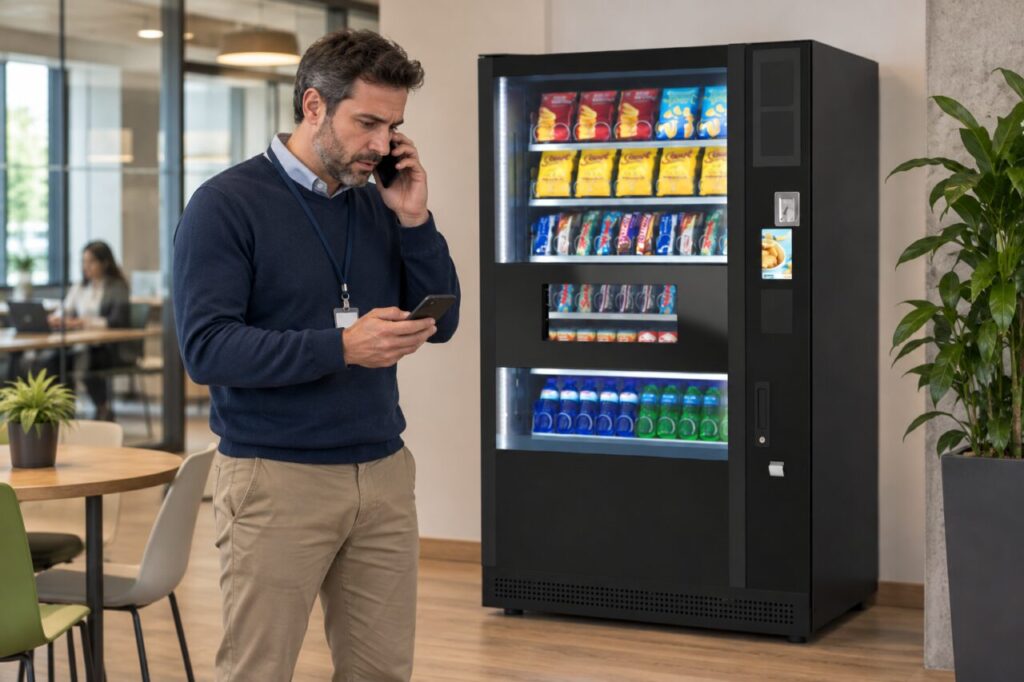
Do not assume that every machine reports the same events or that every notification indicates an urgent fault. Capabilities depend on the equipment, connectivity and service configuration. The provider should explain what the supplied system can report and the limits of the information it provides.
Define the alert's meaning
Ask the provider to explain the relevant notification types in plain language. Identify whether an alert describes a measured condition, a communication issue or another event. Avoid turning a short message into a technical diagnosis without checking what the system actually reports and what further information is required.
Record any known limits that affect interpretation. For example, the provider may need to explain how recently information was received or whether a condition can be confirmed remotely. Keep those explanations specific to the system in use rather than copying assumptions from another dashboard or machine.
Assign the first review
Name the role responsible for checking notifications and establish suitable cover. A message sent to several people can still go unanswered if each assumes another person is handling it. The responsibility should be clear even where the provider, rather than the site team, manages the monitoring service.
Keep access appropriate to that responsibility. Receiving an alert does not mean a site contact needs administrative control of the equipment or payment account. Ask the provider how the contact can supply useful observations through the normal support route without changing settings or attempting work outside their role.
Connect review to action
Agree how the responsible person records the next step and hands it to the appropriate team. Some questions may require a site observation, while others need the provider’s technical assessment. Do not send untrained staff to open equipment merely because a notification suggests that something inside may need attention.
Distinguish acknowledgement from resolution. Marking a message as read does not prove that the underlying condition has changed. Keep a reference to any support case or visit so the response can be followed through, and record whether further confirmation is required before the item is treated as closed.
Review repeated notifications
If the same type of message recurs, discuss the pattern with the provider. Do not simply silence alerts to make the inbox quieter without understanding the effect. Ask whether the configuration, reporting process or underlying issue needs attention, and keep the outcome within the authorised service workflow.
Our guide to a sample vending report can help frame how actions and outcomes are documented. A useful report connects the event with the response. It should not imply that a notification alone proves a fault was fixed or that customers experienced no interruption.
When considering vending services, ask about the people and process behind remote monitoring as well as the technology. Confirm what is included and avoid promising response times that have not been agreed. Clear ownership, relevant information and a recorded outcome make an alert more useful than an impressive dashboard with no defined follow-up.
Contact our team to discuss monitoring and service responsibilities for your proposed arrangement.