
After Replacing a Vending Card Reader, Check Its Machine Record
A replacement card reader can appear ready for use while the administrative records still refer to the old device. After an authorised installation, confirm that the physical machine, payment device and reporting record are correctly associated.
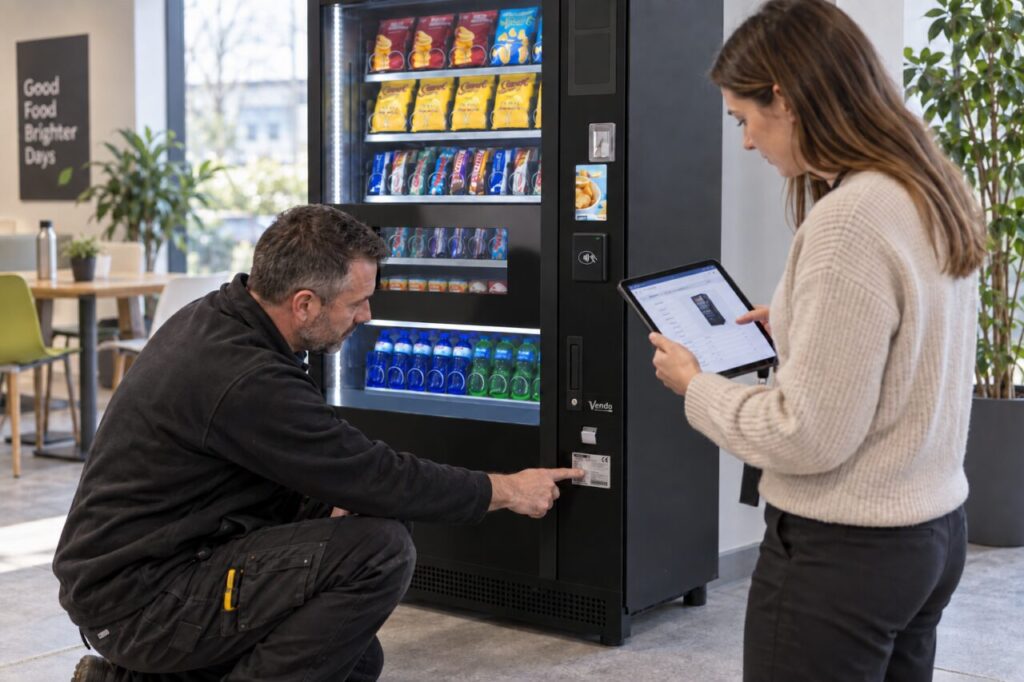
Record the old and new identifiers
Ask the installer to document the relevant machine and payment-device identifiers, the replacement date and the service reference. Keep these in the authorised asset record rather than on a public customer notice. Do not assume that moving a reader between cabinets automatically transfers every account setting or reporting relationship.
Confirm setup with the payment provider
The installer or authorised account administrator should confirm that the replacement is assigned correctly and that the intended payment methods are enabled. Nayax’s attribute documentation shows that payment, communication and machine settings are distinct configuration areas. Do not copy settings blindly or follow a generic online sequence for a different machine. Use the provider’s process for the actual installation.
Trace one approved test purchase
Record a normal test purchase and confirm where it appears in the reporting system. Match the machine, product, amount and transaction reference. Check the receipt or customer-facing details where relevant. A successful on-screen message alone does not verify the back-office association. Resolve any mismatch before using the report to plan refills or investigate customer queries.
Update support and follow-up records
Keep the installation outcome with the asset history and tell the site contact which identifier to quote. Remove obsolete internal references where appropriate while retaining the replacement history. Review the first reporting period for unexpected machine assignments or missing data. Do not change historical transactions to disguise a configuration problem; document and resolve it with the provider.
Source: supporting primary guidance. For site-specific help, explore our fully managed vending service or contact our team. Related reading: Vending Product Maps: Match the Sales Record to the Physical Shelf.