
Reporting Low Vending Stock: Identify the Selection Precisely
A message saying the vending machine is nearly empty can mean several different things. One favourite product may be missing, several selections may be low or the whole range may need attention. Give the operator a precise observation so the report can be assessed without an avoidable chain of follow-up questions.
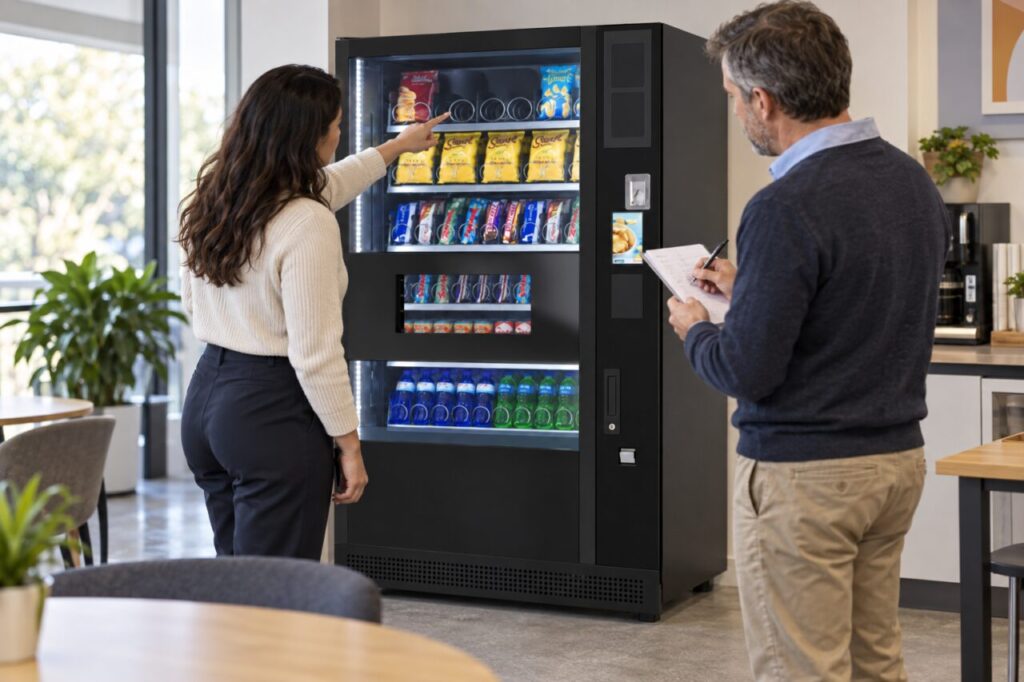
The site contact does not need to conduct a technical inspection or open the cabinet. Report what can be observed safely from the customer side and use the established support route. The operator should decide how the information affects replenishment or whether another kind of service response is needed.
Identify the right machine
Include the location and the machine reference used by the service provider, where available. In a large building, a description such as the machine downstairs may be ambiguous. Use the agreed site name or area so a covering contact can understand the report without relying on local nicknames.
If several machines stand together, distinguish the relevant unit. A photograph can help if permitted by the site and sent through the appropriate channel, but avoid including customers, private payment information or security details unnecessarily. The useful subject is the equipment and the selection being reported.
Describe the product and selection
Record the product name or a clear description and the visible selection identifier, if the machine uses one. Keep the observation specific to the actual configuration. Do not invent a code because another machine uses numbers in a similar position, and do not assume all identical-looking packs contain the same variant.
Say whether the selection appears empty or simply low from the customer view. Visibility may be limited, so do not turn an estimate into an exact stock count. The operator can confirm the quantity through its normal records or visit. Clear uncertainty is more useful than an inaccurate figure that appears precise.
Separate stock from availability
An item visible behind the glass may still be unavailable for another reason, while an empty-looking space may not represent a fault. Describe the message or behaviour observed without diagnosing it. If a customer purchase problem has occurred, use the appropriate support process rather than reporting only a refill request.
Do not repeatedly attempt purchases to investigate the issue or encourage customers to keep trying a selection that appears problematic. Ask the responsible operator what further information is needed. The site contact’s role is to provide useful observations and follow the agreed instructions, not to troubleshoot internal equipment.
Add timing that helps the response
Include when the observation was made and any relevant upcoming site event. Distinguish normal demand from a one-off change, such as a meeting or temporary increase in attendance. Do not demand a particular refill schedule based solely on a single observation if the service arrangement requires the operator to assess the overall need.
Our guide to interpreting lower sales and availability explains why stock information matters alongside other records. A precise report can help that review without proving how many purchases were missed or why a particular selection sold faster than expected.
When managing vending at your site, agree a short reporting format with the provider. Keep it consistent enough for routine use: machine, selection, observation and time. Record any response or follow-up through the normal process so a second contact does not submit the same enquiry without knowing that the operator is already addressing it.
Contact the service team through your agreed route with the relevant machine and selection details.