
Test Vends Use Stock Too: Record Service Purchases Clearly
A technician may dispense several products while checking a vending fault. Those items leave the machine even when no ordinary customer purchase takes place. A short test-vend record helps explain the difference between the shelf count, payment history and refill sheet.
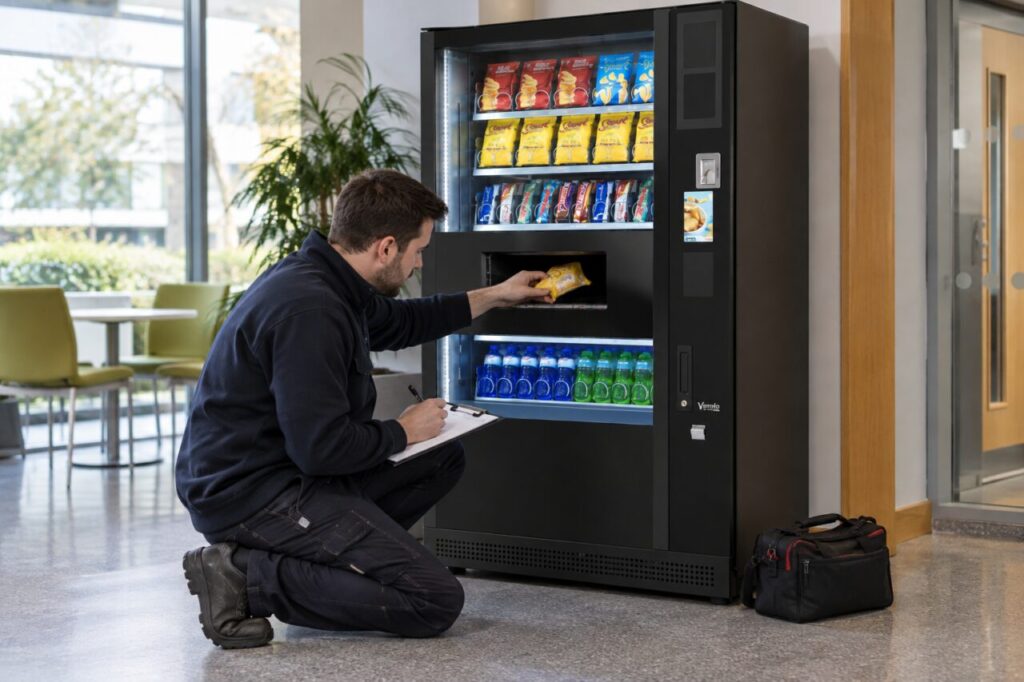
Identify the kind of test
Distinguish a normal paid purchase from a service-mode dispense or another approved test. The records available can differ with the machine and payment configuration. Note the date, machine identifier, selection, product and number dispensed. Record who authorised the test and its purpose. A useful entry says ‘two selection tests after repair’, rather than the vague description ‘stock adjustment’.
Record what happened to the products
State whether each item was collected by the technician, damaged during testing or otherwise dealt with under the operator’s procedure. Do not return a product to sale automatically just because its wrapper looks intact. Follow the applicable food-handling and storage procedure. The record should account for physical units without implying that every test was a commercial sale.
Update the right stock record
Confirm which authorised action your system uses for test consumption. Nayax’s inventory guide describes visit and replenishment records, but reporting depends on configuration and available machine data. Do not enter a false customer sale to correct a stock balance. Equally, do not delete a genuine payment transaction simply because the purchase was made for testing.
Check the repair and the numbers
At the end of the visit, compare the units used with the service sheet and any payment records. If a paid test is refunded, keep the refund reference with the original transaction. Ask the operator to explain how that refund affects sales and inventory reports. A clear record lets the next refill worker distinguish legitimate service use from an unexplained stock loss.
Source: supporting primary guidance. For site-specific help, explore our fully managed vending service or contact our team. Related reading: Vending Stock Count Does Not Match the Dashboard? Start Here.