
Vending Stock Count Does Not Match the Dashboard? Start Here
If a vending dashboard says twelve packets remain but the shelf contains nine, first establish when each figure was recorded. Changing the total immediately may hide the reason for the difference. A short, repeatable comparison helps an operator separate reporting delays, incomplete refill records and genuine unexplained movements.
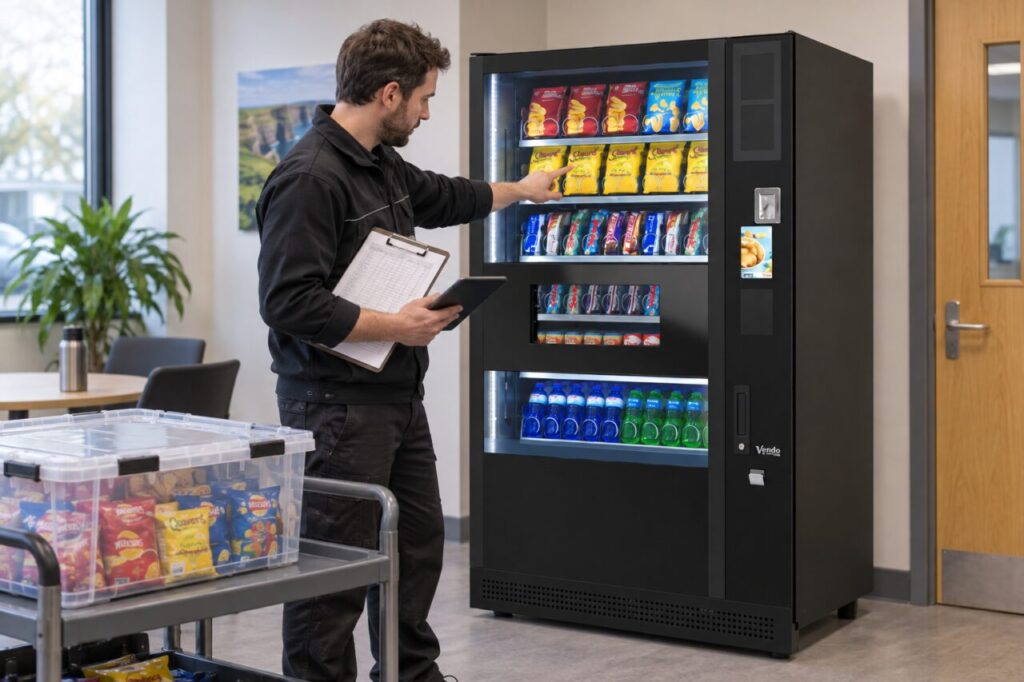
Compare the same moment
Write down the physical count time, the report time and the last successful data update. Note whether customers purchased anything while you were counting. Use the same machine and selection reference throughout the check, rather than comparing a product total across several locations with one shelf.
Nayax’s inventory dashboard guidance explains that MDB live-transaction updates and scheduled DEX updates behave differently. Ask which source your installation uses. A dashboard labelled with today’s date is not necessarily a count taken at the instant you opened it.
Build a simple movement record
Start with the last reliable physical count. Add items actually loaded, subtract recorded sales, and separately list damaged stock, removals and authorised test vends. Keep the quantities and times beside each entry. Do not treat stock delivered to the building as stock already placed in the machine.
For illustration only: ten opening units plus eight loaded, less six sold and one removed, gives eleven expected units. This is a checking worksheet, not a claim about how every vending platform calculates inventory. Compare that expected figure with a new physical count.
Check definitions before blaming losses
Confirm whether the report counts transactions, individual products or money received. A multi-item purchase can make these totals different. Check whether the chosen report includes cash activity and how test transactions are recorded in your setup. Your provider should explain the fields rather than leaving staff to infer their meaning.
If a selection was changed recently, use our physical shelf and product-map checklist. Preserve the original report before correcting an entry, so the next person can understand what happened.
Close the difference with an explanation
Record the cause, correction, date and person responsible. If the difference remains unexplained, send the operator the two counts, update times and movement record. Avoid silently setting every shelf to full: that can make the next visit harder to plan.
Repeat the comparison after the next agreed reporting update. A successful check means the records now describe the physical stock, with any exceptions explained. Ask our team about reviewing stock records and service arrangements for your site.