
Vending Card Reader Offline? Your Phone Signal Is Not the Whole Test
Your phone has reception beside the vending machine, yet the card reader appears offline. The phone is a useful observation, but it is not a test of the terminal’s connection. To investigate the difference, the operator needs information from the installed payment equipment and its own connection arrangement.
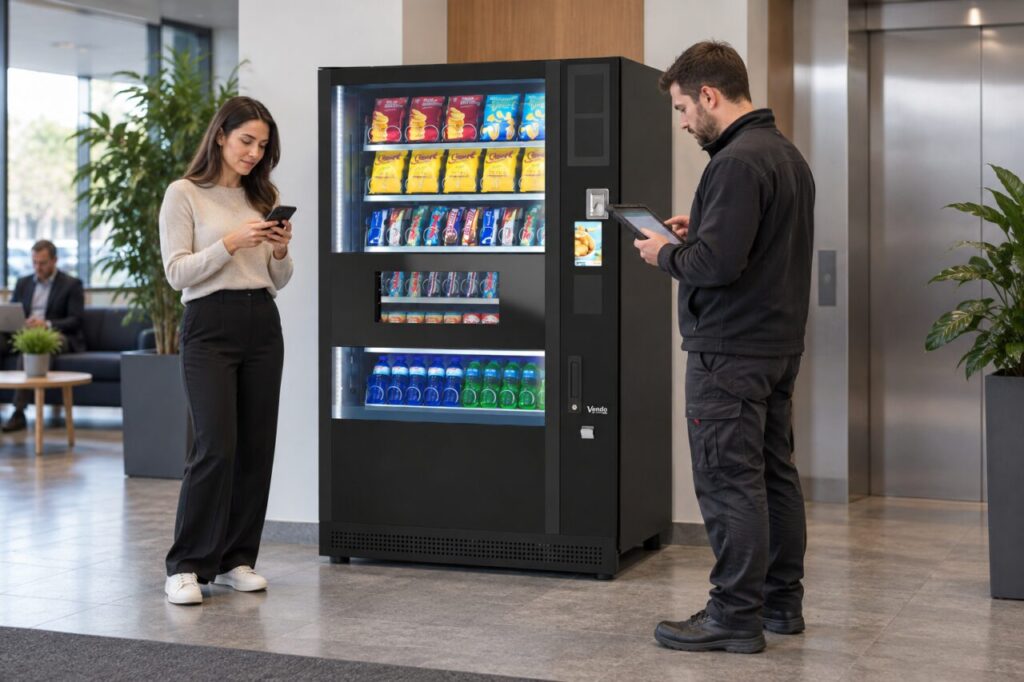
Two devices can have different connections
The phone and payment reader may use different mobile networks, antennas or services. Your phone might also be using office Wi-Fi while the terminal relies on a cellular connection. A strong indicator on one device therefore cannot establish the condition of the other.
Before comparing them, note whether the phone is on Wi-Fi or mobile data. Give that observation to support as context, not as proof that the reader’s network is working. Do not change the payment terminal’s settings to make them resemble your phone’s settings.
Use the terminal’s own signal information
Nayax’s RSSI guide for VPOS Media explains the supported device’s signal indication. The guide concerns that terminal; it is not a conversion chart for a customer’s smartphone bars.
Ask the authorised operator to record the device model, connection type, its reported signal condition and the time of the reading. Keep those fields together. A screenshot from a different terminal or a reading taken after the problem ended may be useful, but does not describe the failed attempt itself.
Separate signal from a completed sale
Reception is only one question. A terminal also has to communicate through its configured service and interact correctly with the vending equipment. An apparent connection indicator does not, by itself, confirm that a purchase has been authorised and the product delivered.
For a recurring issue, compare a failed period with a working period using the same installed reader. The operator can decide which service records and connection checks are relevant. Site staff should avoid repeated paid purchases or improvised antenna and cable changes.
Assess an alternative connection properly
A different connection may be worth discussing where the installed arrangement is unsuitable. Nayax publishes Ethernet guidance for supported equipment. This does not mean every reader accepts the same connection or that any nearby network socket is ready for use.
Coordinate equipment compatibility and network arrangements with the operator and the site’s IT contact. Agree who will verify a controlled purchase after any change. For the separate task of reporting an outage, use our cashless fault-report checklist.
Contact our team with your site’s current connection arrangement when reviewing support within a managed vending service.