
Vending Delivery with a Separate Waste Collection: Keep the Receiving Area Available
A vending delivery and a separate waste collection can both need the same receiving area. If they arrive together, a loading bay that looked suitable during the survey may be occupied by bins, packaging or another vehicle. Plan the two activities together before delivery day. The aim is a usable route at the agreed time, with clear responsibility for keeping it available.
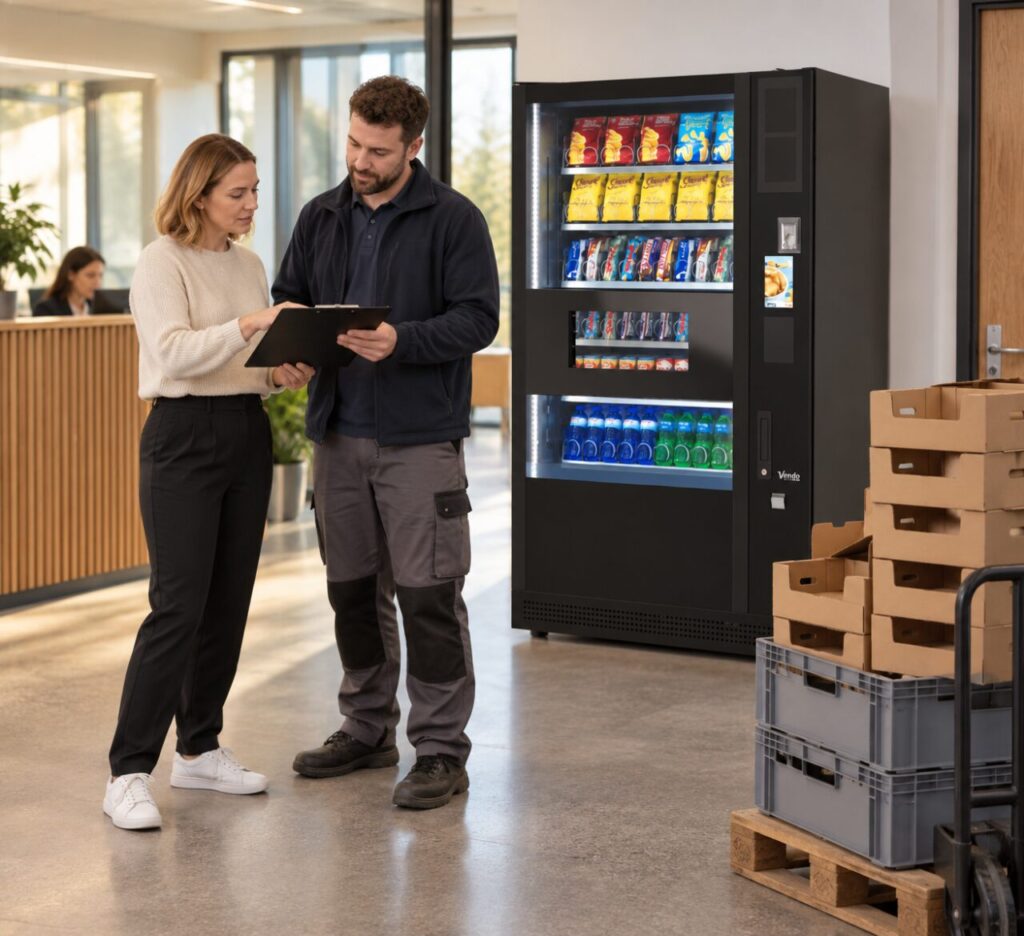
Identify the shared space
Start at the vehicle arrival point and follow the agreed delivery route to the machine location. Note where a waste vehicle stops, where containers are presented for collection and where empty packaging is normally placed. Include doors and turns that could be obstructed temporarily. A route can be adequate in its usual state and still be unusable during a routine collection.
Ask the building contact which waste collections are fixed and which have variable arrival windows. Do not assume that an early booking means the vehicle will have left before the vending crew arrives. Record uncertainty explicitly, then discuss it with the delivery coordinator rather than offering a precise access promise that the site cannot keep.
Agree a workable sequence
Give both site teams the intended order of activities. Where possible, separate the receiving windows and allow realistic time to clear the area between them. The delivery company should confirm its handling requirements; site staff should not improvise a new unloading position on the day because the planned bay is occupied. A short delay is easier to manage when everyone knows who can authorise the next step.
When discussing vending machines for an Irish site, explain shared access constraints as well as the room dimensions. Include any requirement for an escort or loading-bay booking. These details help turn a proposed delivery date into an actual receiving arrangement, rather than an assumption based only on the machine fitting inside the building.
Separate old waste from new packaging
Clarify what packaging the vending delivery team will remove and what the site will retain. Do not add the new material to a waste collection without confirming that the collection arrangement covers it. Equally, do not leave packaging in the delivery route while waiting for someone to decide. Agree a temporary holding area that does not obstruct doors, customer access or the crew’s working space.
If an existing machine is also being removed, treat that as a separate equipment movement. It is not ordinary packaging waste. Confirm ownership, collection responsibility and the sequence with the supplier. The managed-service information describes replacement removal arrangements subject to confirmation; your particular delivery plan still needs to identify the equipment and access involved.
Brief the person receiving the crew
Give reception or the nominated site contact a simple timetable, the delivery reference and a contact number for resolving access problems. They should know where the vehicle is expected, which area must remain clear and who will notify them if the waste collection runs late. Avoid circulating technical handling instructions that belong to the trained delivery team.
On the day, check the route before confirming that unloading can begin. If conditions differ from the plan, tell the delivery coordinator what has changed and wait for an agreed response. After delivery, record whether packaging and access commitments were completed. That makes the next visit easier to arrange and prevents temporary material from becoming a continuing obstruction.
Related guidance: Vending Delivery at a Busy Site: Book the Loading Bay First.
Planning vending at your site? Contact the team with your location, equipment details and requirements.