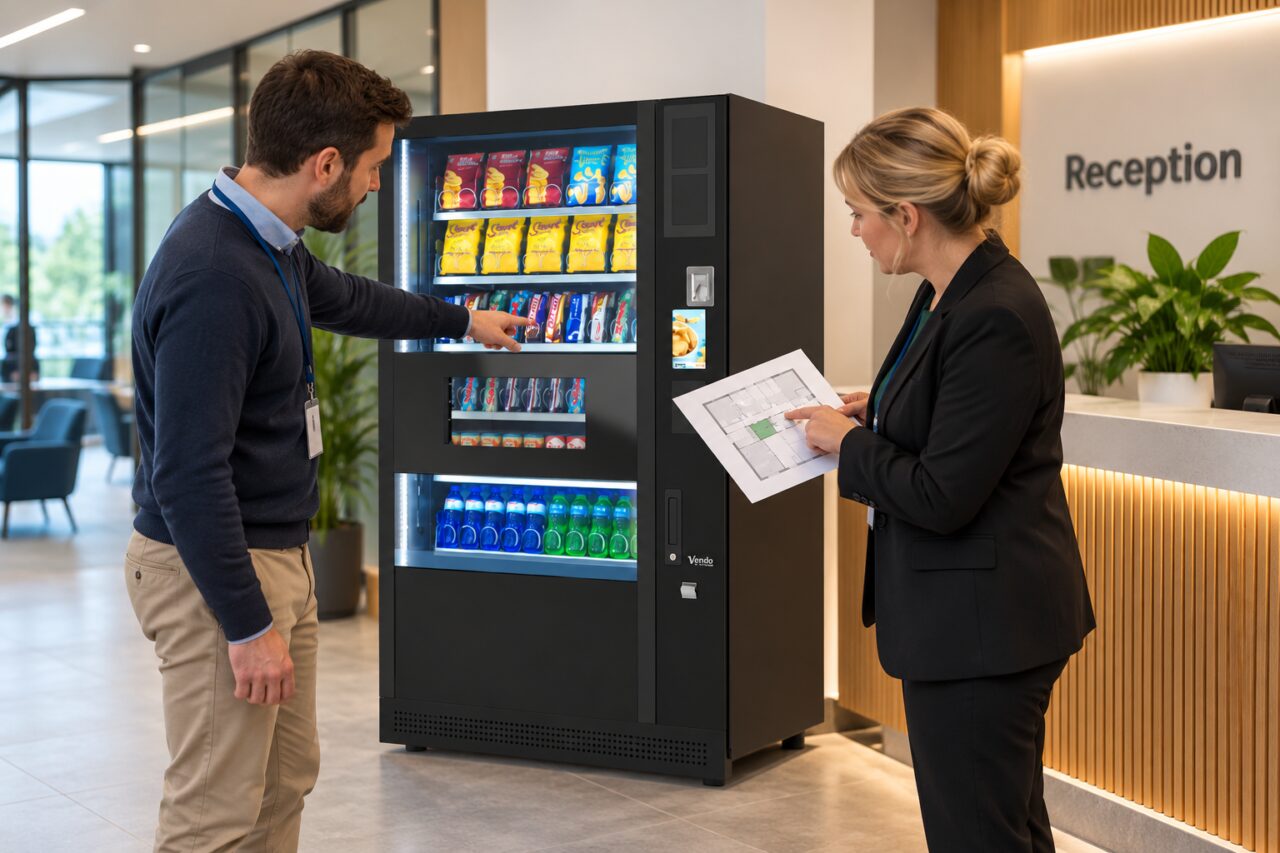
A Vending Demonstration Uses Staff Accounts: Test the Ordinary Customer Journey Too
A vending demonstration can look effortless when the demonstrator uses a staff account or a special test setting. That is useful for showing individual functions, but it may not reproduce what an ordinary customer sees. Ask to observe the normal buying journey before deciding that the proposed configuration meets your site’s needs.
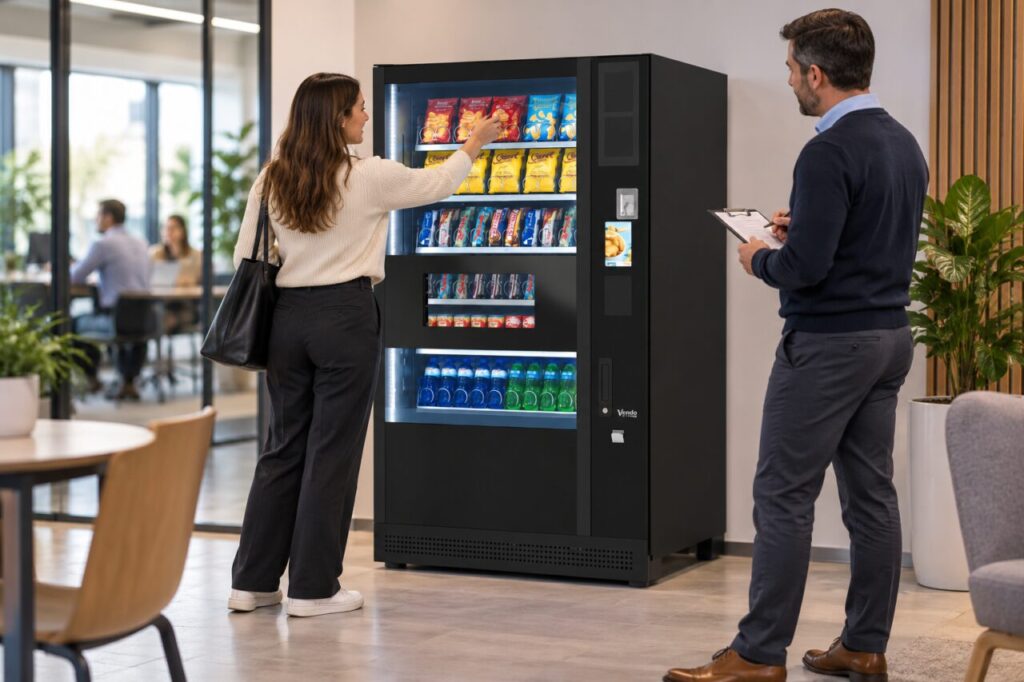
Start by asking which parts of the demonstration use special access. A test account may have credit already available, a different price or a shortcut that removes a customer step. These are possibilities to clarify, not features to assume. Record the answers alongside the exact machine and payment configuration being demonstrated.
Follow the customer from the beginning
Ask the demonstrator to start from the normal idle screen and explain what a new customer should do first. Watch how the customer identifies the product, checks the price and follows the payment prompt. Avoid helping immediately: a short pause can reveal an instruction that is obvious to an experienced operator but unclear to a visitor.
Use the payment method intended for the site, with the supplier’s agreement, and agree how any test purchase will be paid for or reimbursed. Never share account credentials to create an informal test. Your vending purchase enquiry should distinguish the customer experience you require from the administration tools used to manage it.
Compare the two journeys explicitly
Write down any differences between the staff demonstration and the ordinary purchase. Relevant differences might include sign-in, available credit, displayed price, receipt access or the sequence of instructions. Ask whether each difference is intentional and what a customer will experience at the installed site. Avoid treating an unexplained difference as a confirmed fault.
For instance, a staff test may show how a product is delivered while bypassing a payment step. That proves something about delivery in that test, but it does not prove that a visitor can complete payment. Keep the evidence specific: record what was observed, what was explained and what still needs a normal transaction.
Include collection and the next customer
Follow the product to the collection area and check that the user understands when to retrieve it. Then observe how the machine returns to its normal starting state. A complete demonstration should leave the next customer with a clear beginning, rather than an unfinished prompt or an account screen that belongs to the previous user.
If a demonstration cannot include a live customer payment, record that limitation. Ask what evidence can be supplied now and when the outstanding step can be tested. A recording or verbal assurance may help explain the process, but should not be described in your notes as a transaction you personally watched succeed.
Carry the findings into handover
Put the ordinary-customer test in the installation checklist, using the final site configuration rather than assuming the showroom settings will be identical. Identify who will witness it and who can approve any remaining issue. Keep the record short enough that reception, facilities and the buyer can understand the result without technical interpretation.
The purpose is not to make the demonstration unnecessarily complicated. It is to separate a convenient staff test from evidence about everyday use. A clear record gives the supplier a fair opportunity to answer practical questions and gives your team a reliable basis for introducing the service to customers.
Related guidance: A Vending Demonstration: Leave with a Written Test Record.
For help assessing your site, contact Vending-Machines.ie.