
Bring Your Own Snack Samples to a Vending Demonstration
A vending demonstration is more useful when it includes the products you actually intend to sell. A machine shown with a supplier’s standard range may look suitable, but your chosen packet, bar or bottle could present a different question. Bringing representative samples helps turn a general discussion into a practical review of the proposed setup.
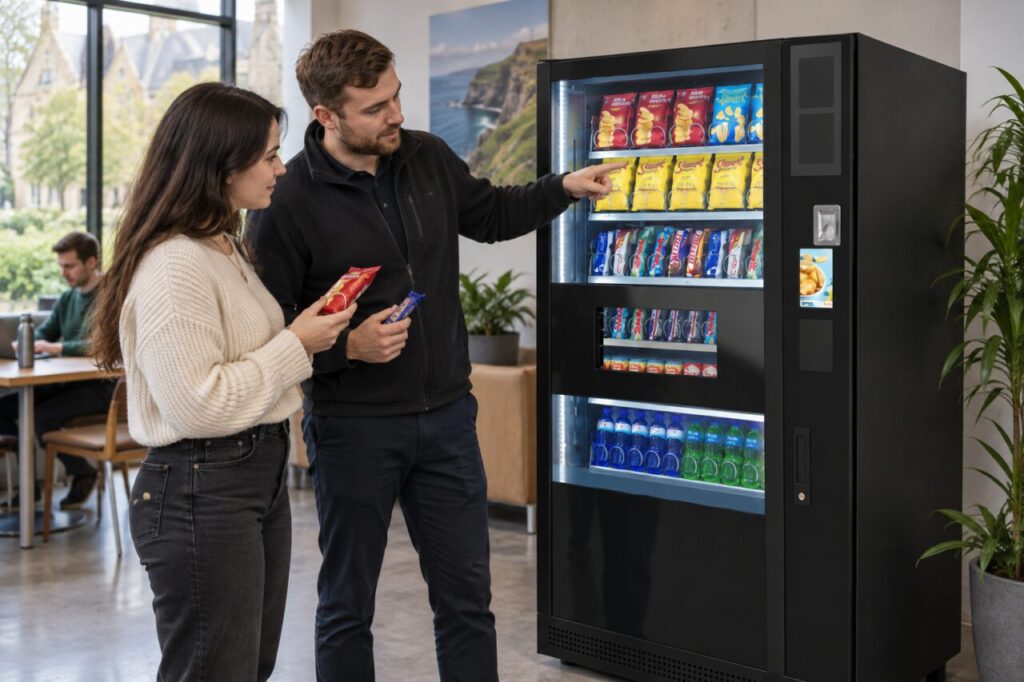
Arrange this with the supplier beforehand. They should decide how samples can be assessed and whether the demonstration equipment matches the configuration being quoted. Do not load or adjust a demonstration machine yourself without the responsible operator’s agreement and supervision.
Choose samples that reveal differences
Bring the exact individual packs where possible, including the sizes and packaging versions you plan to order. A photograph of a multipack carton does not show everything about the retail unit. Include a representative range rather than several nearly identical products that test the same characteristics.
Explain which products are essential and which are alternatives. A particular snack may be central to your workplace offer, while another can be replaced if it is unsuitable. This distinction helps the supplier assess the requirement without assuming that every item is equally important to the purchase decision.
Ask what the demonstration proves
Confirm the equipment model and the relevant layout being demonstrated. Ask whether any adjustment has been made for your samples and whether that adjustment is included in the quotation. A successful demonstration on one arrangement should not be treated as confirmation for every other configuration.
Our exact configuration guide explains why the model name is only part of the purchasing description. Keep a written note of the sample products, agreed setup and any limitations identified during the demonstration so the order can refer to the same information.
Review the customer's view
Stand where a customer would stand and check whether the product is recognisable. Can someone distinguish the pack from a similar item? Is its selection information clear? Ask how the intended price and product description will be presented on the proposed equipment, rather than assuming the demonstration labels are final.
Watch the purchase through to collection. Note whether the pack arrives in a condition you would be comfortable offering to a customer and whether it can be collected naturally. Any concern should be discussed with the supplier before it becomes an operating assumption in your stock plan.
Consider replenishment as well as purchase
Ask the demonstrator to explain how an authorised operator would replenish the agreed products. Discuss the practical allocation of popular lines and the effect of changing pack dimensions later. Do not equate the number of different selections with the quantity of stock available for each one.
Record products that need further assessment instead of marking them suitable because they resemble another pack. If a supplier proposes a substitute, compare it with the original requirement and decide whether it still meets the customer’s need. Keep that product decision separate from the equipment decision.
Turn the demonstration into an order record
After the visit, send a concise summary of what was assessed, what was agreed and what remains open. Ask the supplier to confirm any configuration-specific conclusion. Keep a sample list with the quotation so a later change of packaging can be recognised and reviewed before replenishment.
When exploring our vending machine range, tell us which products are important to your site. A relevant demonstration should help answer a real purchasing question, not simply show that a machine can sell a different range successfully.
To discuss your intended product mix, request a site-specific conversation.