
Can Customers Read the Vending Display? Check Reflections Before Choosing a Position
A vending position can look attractive on a floor plan while making products difficult to see. Reflections from a window, a bright fitting or the room behind the customer may affect the view through the glass. Include visibility in the location review before treating the space as suitable.
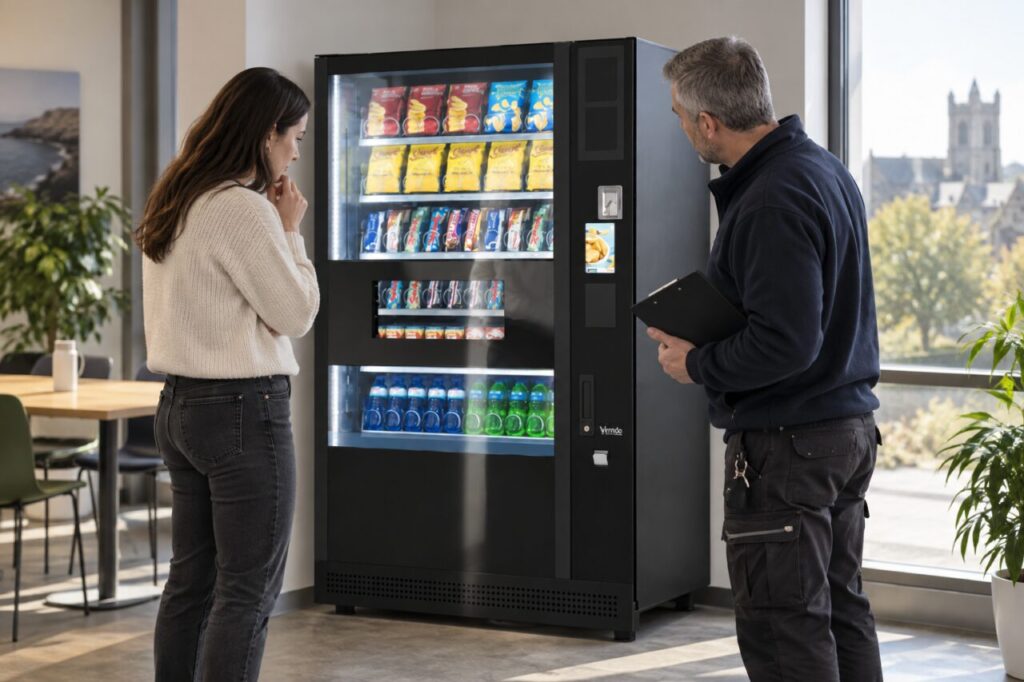
The question is practical: can the intended users understand the products and controls in ordinary conditions? A photograph taken from a flattering angle is not a reliable substitute for looking at the actual position during normal use.
Look from the customer's approach
Start where people enter the break area and move towards the proposed machine position. Note whether the product display is obvious and whether the customer has room to pause without blocking another activity. Consider the normal approach rather than a position chosen only for an inspection photo.
Ask more than one person to review the view. People look at the display from different heights and distances. Record any concern clearly and have the supplier or appropriate site specialist assess it rather than assuming one observer represents every user.
Check more than one time of day
A room may look different when daylight changes or blinds are used. Review the conditions that matter for the people who will use the machine, including later shifts where relevant. Note which conditions were actually observed and which still need checking.
Do not claim that a single visit proves visibility throughout the year. If the position is still being planned, explain the likely conditions to the supplier and identify any uncertainty. A follow-up after installation can test whether the agreed arrangement works as intended.
Include the information outside the glass
Check the readability of controls, selection information and the support notice as well as the visible products. Customers should not have to guess which item they are selecting because a nearby reflection or poorly placed sign obscures the information.
Avoid adding labels that cover controls or create instructions inconsistent with the installed equipment. Ask the supplier how approved customer information should be displayed. If the site needs additional wayfinding, keep it separate from the machine’s own operating directions.
Review the surrounding layout first
Some observations may relate to nearby furniture, lighting arrangements or the customer’s standing position. Discuss these with facilities and the vending provider before deciding that the machine itself needs to move. Any equipment relocation should follow the appropriate authorised process.
Do not improvise electrical changes, attach materials to equipment or alter ventilation to solve a visual concern. A visibility problem deserves a proportionate assessment that also preserves the installation requirements. Record proposed changes and who has agreed to make them.
Keep visibility in the site brief
Include a few dated photographs showing the concern from the normal customer position. Describe what is hard to see rather than simply writing that the area is too bright. The distinction helps the supplier understand whether the issue concerns product choice, payment information or general wayfinding.
Our site-video briefing guide explains how to share the surrounding context without treating a recording as a complete survey. Pair it with measured information and the questions that remain outstanding.
When choosing vending equipment, assess the cabinet and its intended setting together. Good product visibility is part of the customer journey, alongside selection, payment and collection. Review the final arrangement again once the workplace is operating normally.
Ask our team to discuss the location and any display-visibility concerns before installation.