
A Vending Machine Shows Credit When You Arrive: Do Not Assume It Is Yours
If a vending machine appears to show credit before you start, do not assume it is a free balance for the next customer. The previous person may still be completing a purchase, waiting for change or dealing with an interrupted transaction. Pause, check the displayed instructions and give the person who was using the machine a chance to finish before beginning your own purchase.
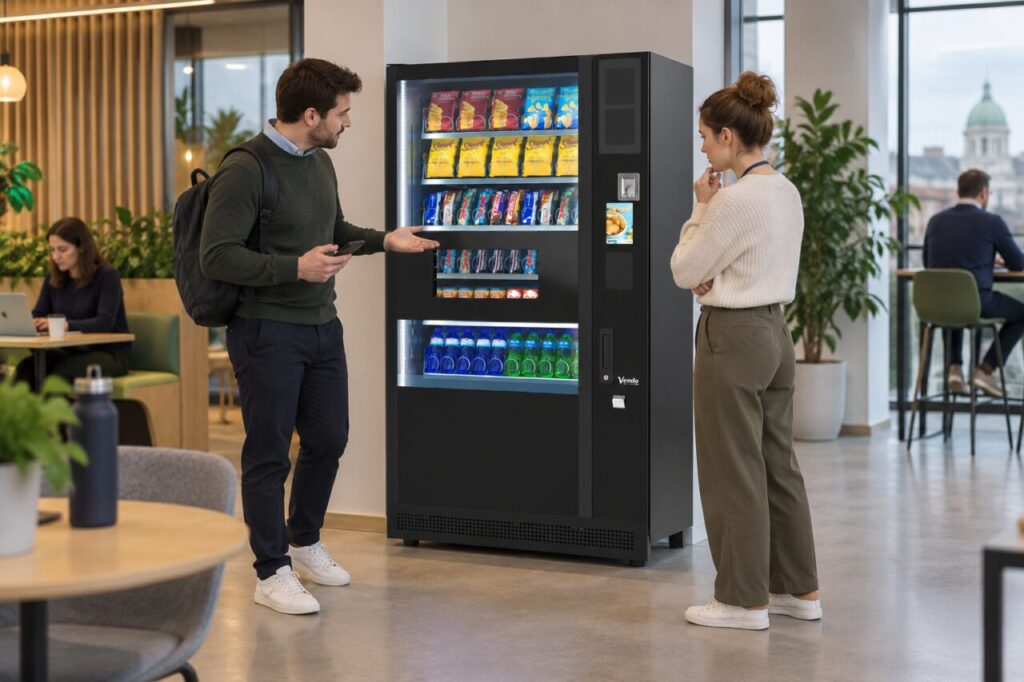
Establish whether the previous purchase has ended
Look around without confronting anyone. If the previous customer is still nearby, simply ask whether they have finished. They may be collecting another item or checking a payment result. Keep your own card, phone or coins away from the payment area until it is clear that the machine is ready for a new transaction.
Do not interpret an unfamiliar number on the screen as credit without context. It could be a price, a selection or another status indicator. Follow the machine’s displayed instructions and ask the host if the meaning is unclear. There is no universal waiting period or reset sequence that applies to every vending interface and payment configuration.
Avoid mixing two customers' actions
Adding money or presenting your card while an earlier transaction is unresolved can create a confusing sequence for everyone involved. If the machine offers an obvious normal cancellation or return function, the original customer should follow its instructions. Do not press a series of buttons on their behalf or try internet reset combinations to clear the display.
If the previous customer has left and the display still seems unusual, ask the venue host or operator what to do. Do not open the cabinet, reach into mechanisms or switch the machine off. A customer-facing balance question should be handled through the normal operating process, not by attempting technical intervention or making an experimental purchase with someone else’s apparent credit.
Record the sequence if something goes wrong
If you accidentally began your purchase before noticing the issue, stop making further attempts and describe the order of events. Note what the display showed before you interacted, which payment method you used and whether any product or change was delivered. Include the time and machine location. A careful sequence is more helpful than saying that the machine took the wrong money.
Keep separate details for your own payment and anything you observed from the earlier customer. Do not ask a stranger for private banking information or photograph their card. The operator can decide what records are needed and contact the relevant people through an appropriate process. Any refund or correction should be based on the checked transaction rather than an informal exchange between customers.
Make the end of a purchase clear
For businesses choosing vending equipment, ask the supplier to demonstrate the complete customer journey, including how one transaction ends and the next begins. Multi-item purchasing and different payment methods may involve different prompts. The official SandenVendo Evolution page, for example, describes a basket function; confirm the behaviour enabled on your actual installation.
Operators should explain normal completion and cancellation through clear approved instructions. If users repeatedly report leftover-looking credit, investigate the recurring situation with the supplier instead of assuming each customer misunderstood. Keep incident records and update guidance only after the behaviour is confirmed. The aim is a straightforward boundary between purchases, with no need for customers to guess whose transaction is on the screen.
Related guidance: Vending Change Looks Wrong: Check the Amount Before Reporting the Purchase.
Planning or reviewing vending at your site? Contact the team with your location, equipment details and the question you would like to resolve.