
A Vending Favourite Sells Out: Check Whether Customers Buy Another Selection
When a popular vending selection sells out, some customers may buy another item while others leave without purchasing. Looking only at the empty selection misses that difference. Review the wider sales pattern before assuming that every unavailable item represents a lost sale or that expanding its capacity will increase total revenue by the same amount.
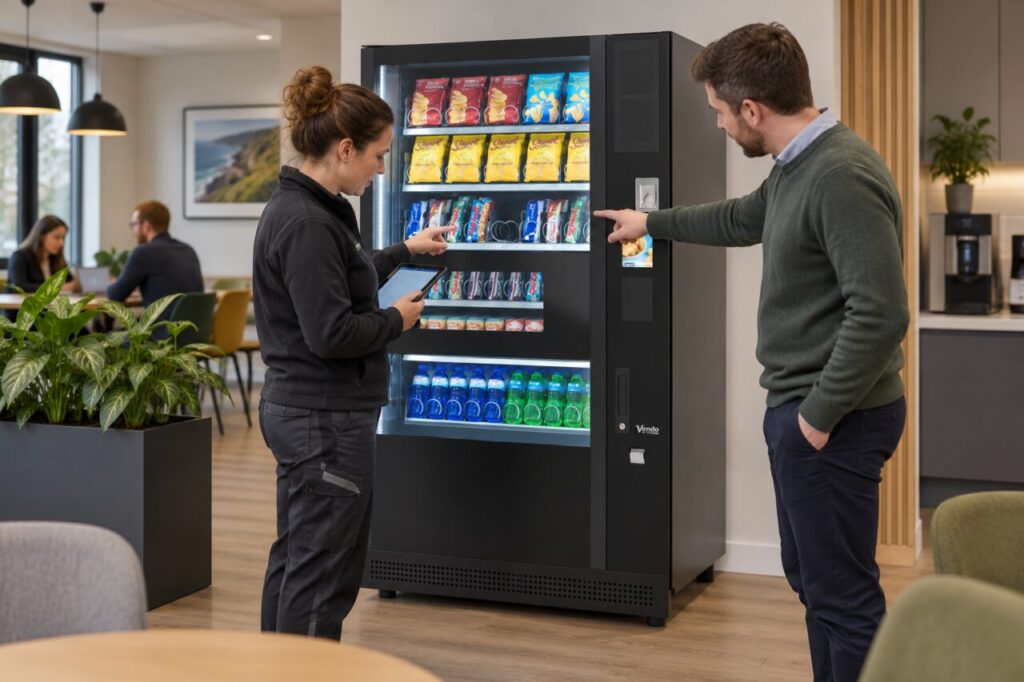
Confirm the unavailable period first
Use a reliable stock record or dated site observation to establish when the selection was unavailable. If the exact time is unknown, keep the uncertainty visible. Check that the issue was a genuine stockout rather than a disabled selection, product jam or delayed report. The operator should verify the condition through the normal process before the figures are interpreted.
Record the product, price and the alternatives available nearby. If several other selections were also empty, the situation is different from one favourite selling out in an otherwise full machine. Include unusual attendance, events or downtime that could affect the comparison. A busy afternoon and a quiet morning are not interchangeable observation periods.
Look for substitution without claiming certainty
Compare sales of plausible alternatives during representative available and unavailable periods. Use aggregate records rather than tracking individual employees. An increase in another snack’s sales may suggest substitution, but it does not prove that each buyer originally wanted the missing item. Keep that distinction clear when presenting the result to a site contact or business partner.
For example, a hypothetical machine might sell fewer units of one snack and more of another while total snack sales remain similar. That pattern deserves investigation before adding capacity. It is not enough to add the missing selection’s usual sales to the actual total and call the result lost revenue. Some of the demand may already be represented by purchases elsewhere in the machine.
Test one range change at a time
If the evidence supports a change, agree a practical trial with the operator. Options may include adjusting refill timing or reviewing the allocation of selections, subject to machine capacity and product suitability. Avoid changing prices, several products and visit frequency simultaneously if you want to understand which change influenced the result.
Keep the existing range’s role in mind. Taking space from another product may remove a useful choice even if the favourite sells quickly. Our fully managed service includes stocking within the agreed arrangement, so managed sites should discuss the evidence with the operator rather than modifying the machine themselves. A controlled adjustment is easier to assess and reverse if needed.
Judge the outcome across the whole machine
After the trial, compare total units, relevant category sales, availability and customer feedback over a representative period. Record whether another selection now sells out sooner or whether the extra stock remains unused. Keep sales value separate from any margin calculation, which also needs the actual product costs and other relevant charges.
When considering vending machines, ask what reporting is available to support range decisions. Do not promise a fixed revenue gain from eliminating one stockout. The useful outcome is better availability and a range that serves customers while making sense across the machine as a whole. If the evidence remains inconclusive, record that limitation and continue observing rather than converting a plausible explanation into a claimed result.
Related guidance: Reporting Low Vending Stock: Identify the Selection Precisely.
Planning or reviewing vending at your site? Contact the team with your location, equipment details and the question you would like to resolve.