
How does a vending machine delivery sensor detect a sale?
A vending machine delivery sensor checks whether an item passed through the monitored part of the delivery route. In a snack cabinet this may be an optical sensor. Its purpose is different from a temperature sensor or a card reader. A customer trying to understand a missing purchase needs to know three things separately. Was payment accepted? Did the machine drive the selection? Did the item reach the collection area?
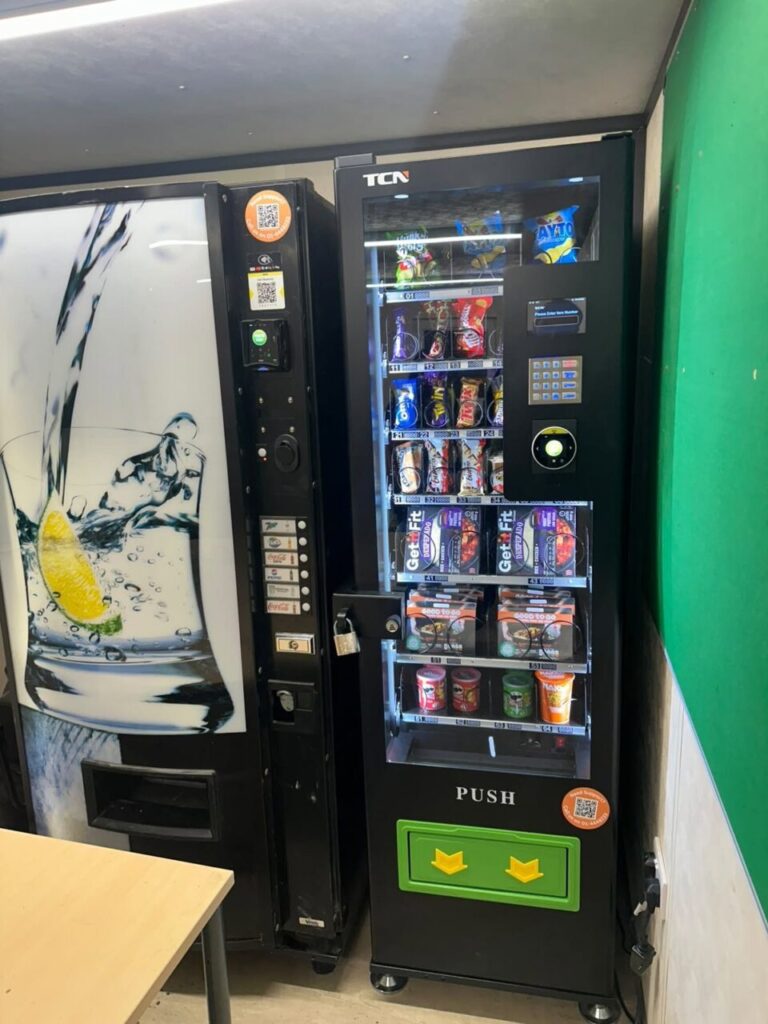
What does the sensor actually detect?
Consider a packet moving from its row towards the collection compartment. A controller can command a motor to turn even if the pack then catches on a shelf. An optical delivery system looks for a product passing its detection point. What the machine does when it cannot detect the drop depends on the model and its setup. Ask for the sequence used in the actual cabinet.
SandenVendo, for example, describes optical detection and an additional rotation if delivery is not detected on its G-Snack range. On the separate BS8 specification, product detection appears in the options list. A sales brochure describing a feature across a family does not tell you whether it is installed in a used machine. Confirm the fitted options against the actual cabinet before accepting a quote.
Use a sample pack at the demonstration
Bring the product you expect to sell and ask the supplier to load the intended row. Stand where a customer would stand. Select the item, observe the screen and check the collection compartment. Record whether one intact pack arrived. A motor turning or a payment notification on a phone gives you only part of that information.
Ask the supplier to explain the supported procedure for demonstrating an unsuccessful delivery. There is no need to obstruct a shelf or interfere with a sensor to learn how the system responds. Have the technician show what the customer sees, what the machine records and how the operator handles the transaction. Write these answers into the handover notes. Keep separate notes for any cabinet that uses a different delivery system.
When a customer says the machine took payment
Ask for the machine identifier, approximate time and selection. Find out what happened at the collection area. Was the pack still on the shelf, caught on its way down or visible in the compartment? If the customer paid by card, ask them to describe the amount and transaction status. They should not have to share their card number to identify the machine or explain the problem.
Give the operator those details together. If another purchase from the same row has failed, report the pattern and arrange for that selection to be checked. A site contact can mark a problem row for attention without diagnosing the sensor. Changing a payment setting before checking whether the product physically fell can leave the real problem in place.
Decide whether the row is ready to reopen
After an adjustment, ask the operator to repeat the purchase with the same product and pack size. Check both the result at the cabinet and the record available to the support team. Note what changed before the test. If a new supplier changes the packaging later, repeat the fit check. The same product name on a different wrapper can behave differently in a row.
Our guide to vending spirals explains the mechanical part of the journey. For a site discussion, send the cabinet model and the products you plan to stock.