
A Vending Payment Offers Currency Conversion: Read the Choice Before Confirming
A vending payment made with a card issued in another currency may present a currency-conversion choice. Pause long enough to read what the payment terminal is offering before confirming. The price shown for the product and the currency used for the card transaction are connected, but they are not always the same piece of information.
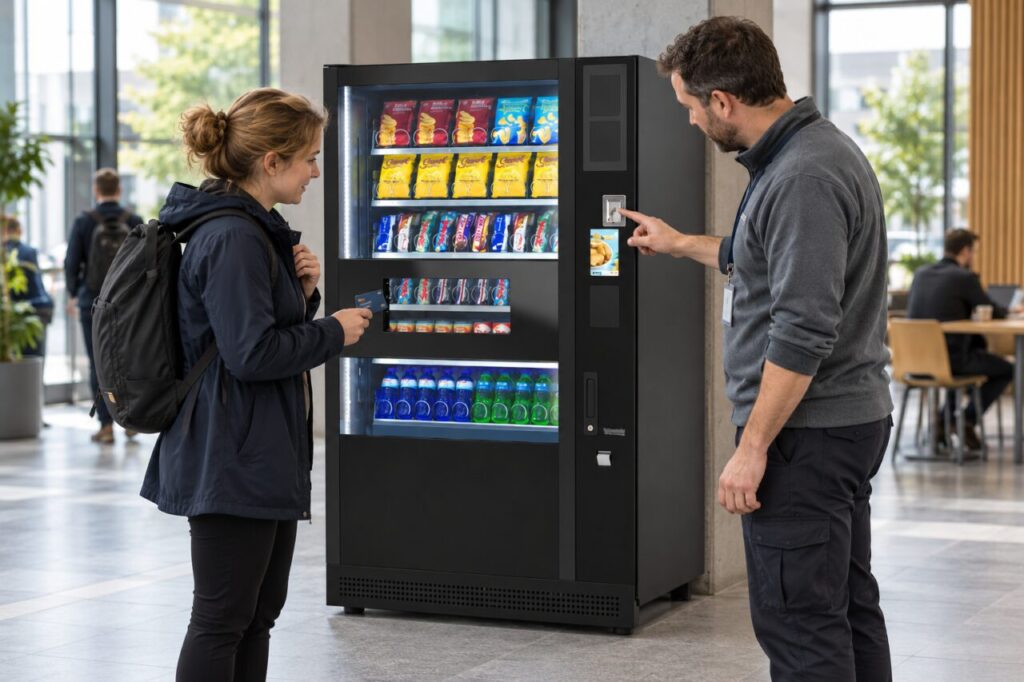
Not every vending payment offers this option, and screen wording varies by provider. Do not assume a particular button position from another machine. If the information is unclear, use the displayed help route or choose another available payment method rather than asking a stranger to operate the payment controls for you.
Understand the choice on the screen
Visa’s dynamic currency conversion guidance explains that a merchant may offer payment in the cardholder’s home currency, with a conversion rate and possible additional costs. Visa says the information should include local and home-currency amounts, the exchange rate and any additional fee or markup. The cardholder should make the choice.
Read the full offer instead of treating the familiar currency symbol as proof of a better price. Declining the merchant’s conversion is different from abandoning the purchase; follow the terminal’s actual wording. Your card issuer’s own conversion arrangements and charges may still matter when paying in the local currency, so avoid assuming either route is automatically free.
Keep the product purchase identifiable
Before confirming, check the selected product, its displayed price and the payment amount. A currency question can distract from an earlier selection error. If the machine does not provide enough information to understand the proposed purchase, stop before authorising it and use the operator’s assistance contact where one is provided.
Do not repeatedly tap the card while trying to read a conversion prompt. Allow the current attempt to finish or follow the terminal’s cancellation process. When the status is uncertain, note what the display says and check the provider’s instructions before trying again. This avoids turning one unclear interaction into several transactions that are harder to explain.
Keep useful details if you need help
Record the machine location, approximate time, product and amount shown without photographing sensitive card information. If a receipt or transaction reference is available, retain it. A bank statement amount may be expressed differently from the local product price, so explain both figures when contacting the operator or card issuer rather than assuming they should always match numerically.
Visa recommends declining the conversion offer and reporting the issue to the issuer where the required information is missing or the customer is pressured into a choice. For a vending-specific support request, describe the actual screen and outcome. Avoid sending a full card number, security code or account password to the operator.
What venue staff can do
Staff can help a visitor identify the machine’s support contact and locate the relevant price information. They should not choose a conversion option on the customer’s behalf or promise a particular exchange rate. If customers repeatedly report confusing prompts, pass concrete observations to the payment provider through the vending operator.
During service reviews, ask the operator how this payment journey works where the feature is available. Check whether customers have a clear opportunity to read and choose, and whether assistance information is visible. The aim is an understandable purchase: the visitor knows which product is being bought, what currency choice is offered and where to raise a question afterwards.
For help matching the service to your site, explore Vending-Machines.ie or send an enquiry describing your requirements.
Related guidance: A Vending Customer Drops a Payment Card: Retrieve It Safely Before Trying Again.