
Vending Payment Notifications Arrive Twice: Compare Transactions Before Requesting Two Refunds
Two payment notifications after one vending purchase can be confusing, but notifications alone do not establish that two completed charges exist. Before requesting two refunds, compare the actual transaction records and describe the purchase clearly. The useful question is whether there are two separate settled payments, a pending entry and a completed one, or simply two messages about the same event. Your bank or payment provider can clarify the status shown in its own system.
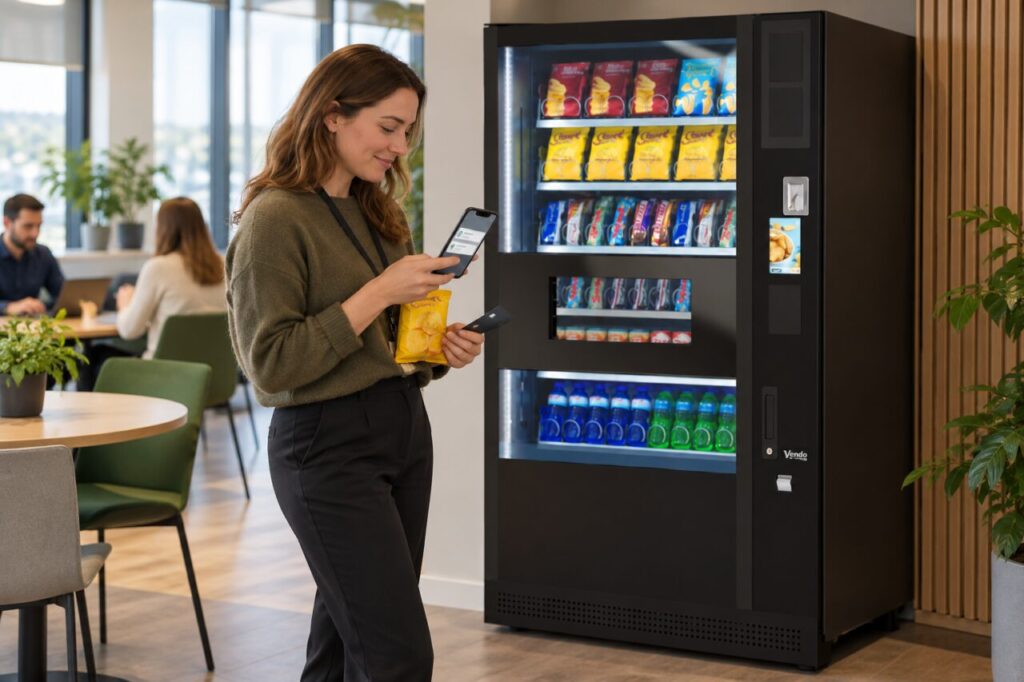
Start with what happened at the machine
Write down the location, machine identifier, approximate purchase time, selected product and amount displayed. Record whether one item arrived, two items arrived or nothing was delivered. Include any second selection or repeated payment attempt you made. A brief sequence of events is more useful than a conclusion that the machine charged twice, particularly when the records have not yet been checked.
Keep the payment method clear. A physical card, phone wallet and vending app may present records differently. Do not send full card details or security codes to explain the purchase. Use the operator’s verified support route and provide only the transaction information requested through that process. Redact unrelated purchases from any screenshot you share.
Read the entries rather than counting alerts
Open the relevant account or app and compare the amount, date, merchant description and status of each entry. A notification is a message, while the account record is the place to establish what is currently recorded. If the meaning of a status is unclear, ask the provider rather than treating an unfamiliar label as proof of a completed charge.
For purchases made through Monyx, the official Monyx help information explains its customer support and transaction-related options. Use the current instructions for your own payment route. Do not assume an app can investigate a payment that was made separately with a different card or wallet. Keep screenshots dated because the displayed status can change after the initial alert.
Report one clear incident
Send the operator a concise report explaining that you received two notifications and what the account currently shows. Include both relevant references if they are available, along with the machine and purchase details. Say whether the product was received. This lets support match the customer account information with the machine’s purchase history instead of investigating two apparently unrelated complaints.
If you already opened a case, add the extra information to that case rather than creating another request for the same event. Keep the case reference and any reply about the next step. The vending service overview is useful for finding the business’s current contact route, but the resolution depends on the actual transaction and payment provider.
Follow the outcome through
Check that any explanation or correction relates to both entries you reported. If only one has been addressed, ask a focused follow-up question using the same references. Do not assume that a second refund is due merely because the original notification remains on your phone after an account entry changes. Conversely, do not dismiss two completed entries without asking for them to be examined.
Keep your own record of the final outcome and avoid repeated test purchases to investigate the issue. If the operator cannot match an entry, ask your bank or provider about that specific record through its normal support process. A complete timeline, clear payment method and accurate status information make the enquiry easier to resolve without multiplying the same complaint.
Related guidance: Vending App Credit and a Pending Bank Payment: Check Which Balance You Are Reading.
Planning vending at your site? Contact the team with your location, equipment details and requirements.