
Vending Payment Prompts Disappear Too Quickly: Describe the Step That Failed
A vending payment can be confusing when an instruction disappears before the customer has finished reading or acting on it. The problem might occur before a product is chosen, while payment is being requested or after an apparent cancellation. Those are different situations. A useful report describes the stage at which the customer lost track, without assuming that a short-lived message proves a payment was taken or the machine is faulty.
Describe the sequence in ordinary language
Start with what you did first and what appeared next. For example, explain that you selected an item, saw a payment instruction and then returned to the opening screen before presenting your card. If you did present a payment method, include that fact. There is no need to reproduce a technical explanation; a short sequence gives support a clearer starting point than saying the screen was too fast.
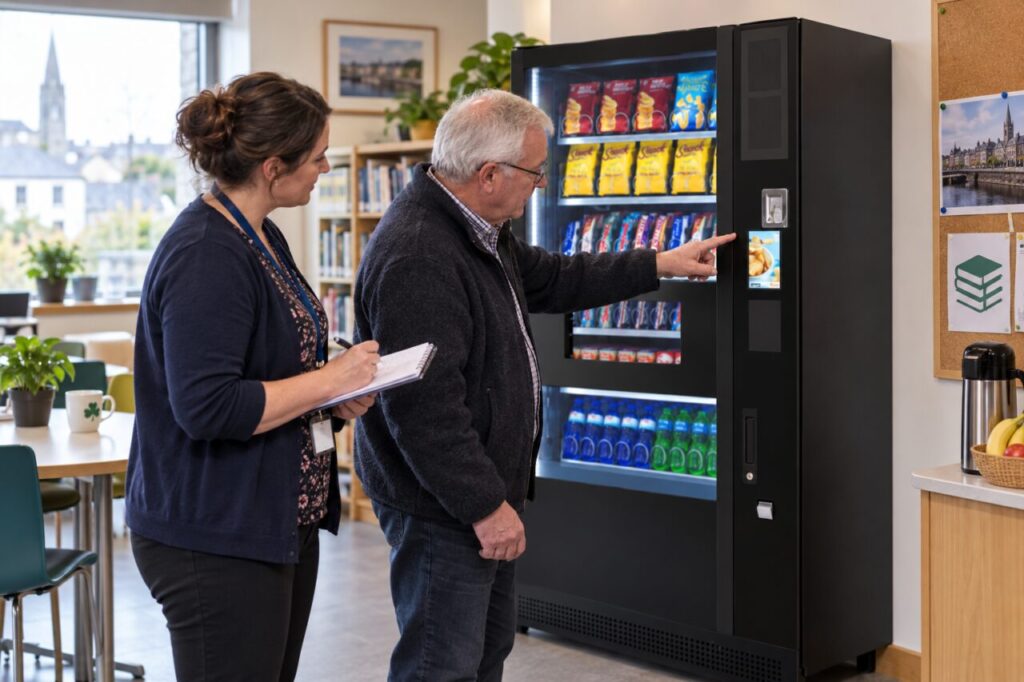
Note the machine location, approximate time and selected item. If you remember the message, quote the words you actually saw and say when your recollection is uncertain. Do not invent an error code to make the report sound more complete. Where a host can observe a normal interaction, ask them to note the same sequence without photographing another customer’s payment details.
Separate the screen from the payment outcome
An opening screen, disappearing prompt or cancelled-looking message does not by itself establish the bank-side outcome. Check the purchase information available to you and describe whether an item was delivered. If a bank entry is showing, tell support whether you can identify its status, without presenting an uncertain entry as a settled charge. Keep the original incident together rather than treating each observation as a separate complaint.
Avoid repeated purchases simply to see whether the same thing happens again. If the first outcome is unclear, use the machine’s support route before making several new attempts. This keeps the transaction history easier to understand and avoids confusing a later successful purchase with the original event. Support can advise whether a controlled test is needed and who should carry it out.
Help the operator assess usability
For a site host, ask which step the customer found difficult. Was the instruction hard to read, unclear about the next action or gone before they had located their payment method? These observations suggest different questions for the provider. A report about timing should not automatically become a request to enlarge text, and a confusing sequence should not automatically become a request for longer delays.
Include customers who are unfamiliar with the machine when reviewing the purchase journey. An experienced staff member may anticipate the next step and miss the difficulty a visitor experiences. Observe without rushing or coaching every action. Record where help was needed, then discuss possible improvements with the provider. Do not promise a configurable timeout or display change before the installed equipment has been checked.
Verify any agreed improvement
If the provider changes instructions or settings, ask how the site should confirm the result. Review the same step that caused the original difficulty. A general successful purchase is helpful, but it may not answer whether the message is now understandable to someone using the machine for the first time. Keep the original observation and the follow-up outcome in one short record.
When choosing vending machines for customers or staff, include the payment sequence in the demonstration. Readability and an understandable next step matter alongside the available payment methods. A clear report gives the operator evidence to investigate the actual experience, while careful follow-up shows whether the agreed response made that experience easier.
Contact us about a vending setup or service requirement.
Related guidance: Vending Instructions for First-Time Users: Test Plain Language and Pictures Together.