
A Vending Price Notice Disagrees with the Screen: Check Before Paying
A small price notice beside a vending machine can become outdated after a range or price change. If it disagrees with the amount shown during selection, a customer should not have to guess what will be charged. Pause before payment and ask the responsible operator or site contact to clarify the difference.
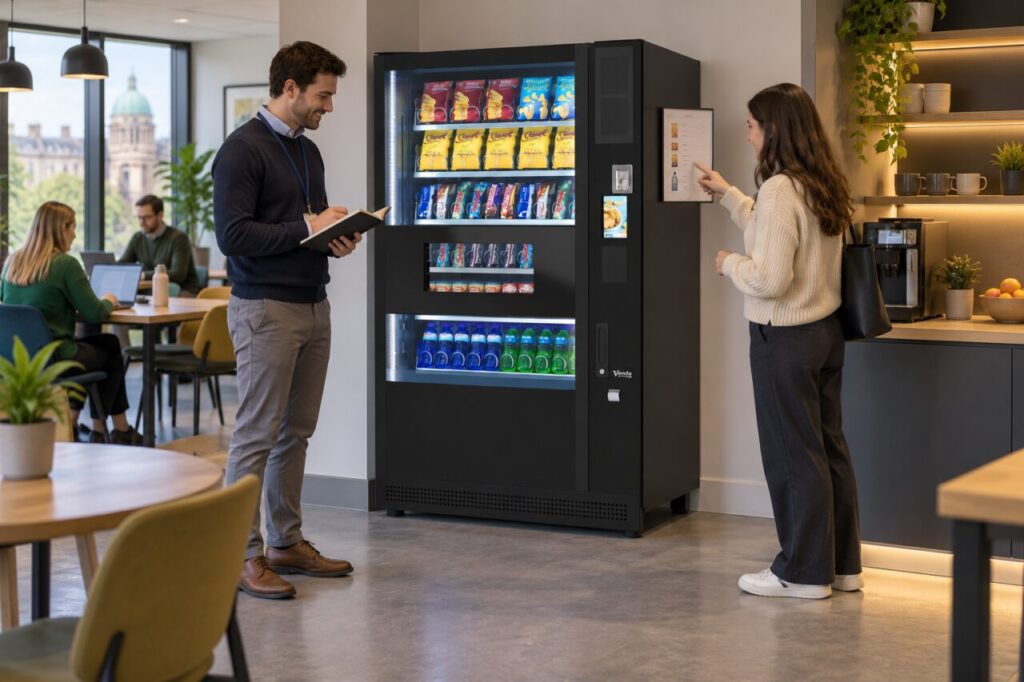
For the host, the immediate task is to make the offer understandable and preserve enough detail to correct the mismatch. This guide describes practical handling, not a determination of contractual or consumer-law rights in an individual dispute. Avoid promising a particular refund outcome before the purchase has been reviewed.
Compare the same product and purchase
Check the product name, pack size and selection shown on the notice against the machine. Similar packaging can make two different sizes look like the same item. A notice referring to a category or an earlier product may not describe the selection currently being offered.
Record both displayed amounts and where they appear. Note any wording about a workplace subsidy, promotion or refundable container deposit. Do not assume that one display includes an adjustment and the other excludes it; ask the operator to explain the actual setup for that product.
If you have not paid, stop at that point rather than making a test purchase to settle the question. A photograph of the conflicting information, taken without other customers’ personal details, can help the operator identify what needs checking. Include the machine location and time.
Keep the customer response factual
Explain that the discrepancy has been reported and provide the appropriate support contact. If the operator has instructed the host to remove or replace an obsolete notice, follow that instruction promptly. Do not improvise a handwritten promise that creates another conflicting price beside the first one.
Where the information cannot be made clear immediately, ask the operator what temporary customer message or availability action is appropriate. Site reception should not enter restricted menus or change equipment settings simply because it can see the discrepancy. Keep those changes with an authorised person.
A customer who already paid should retain the purchase details, including the amount and whether the product was received. Link the support request to the same discrepancy record so the operator can investigate the public information and the transaction together without treating them as unrelated complaints.
Check the source of the old notice
Find out who owns the price list and how it is updated. It may have been prepared by a site team, the operator or someone organising a temporary staff event. Identifying the owner helps prevent the same obsolete version being printed again after the current sheet is removed.
Review other places where the price is repeated, such as a welcome email or workplace intranet page. Correct only the affected information through the relevant owner. A change at the machine does not automatically update a separate document that someone saved locally several months earlier.
Keep the corrected version identifiable with an appropriate review date or document reference. This is particularly useful where several sites share a template but have different agreed offers. A generic sheet should not silently overwrite the local arrangement.
Verify the corrected customer journey
After the authorised correction, compare the notice and ordinary selection display again. Confirm that the same product and applicable purchase conditions are clear. Where a test transaction is needed, have the responsible operator arrange and record it rather than asking an unsuspecting customer to validate the change.
When discussing vending service arrangements, agree who maintains customer-facing price information. One accountable owner and a simple check after each relevant change can prevent a small notice from undermining trust in an otherwise straightforward purchase.
Related guidance: Vending Change Looks Wrong: Check the Amount Before Reporting the Purchase.
Planning or reviewing vending at your site? Contact the team with your location, equipment details and the question you would like to resolve.