
Vending Profit Forecasts: Allow for Unsold Stock Without Guessing a Waste Rate
A vending forecast that assumes every purchased item will sell can overstate the result. Some stock may remain available at the end of the period, while other units may be damaged or no longer suitable for sale. Keep those situations separate when building the forecast.
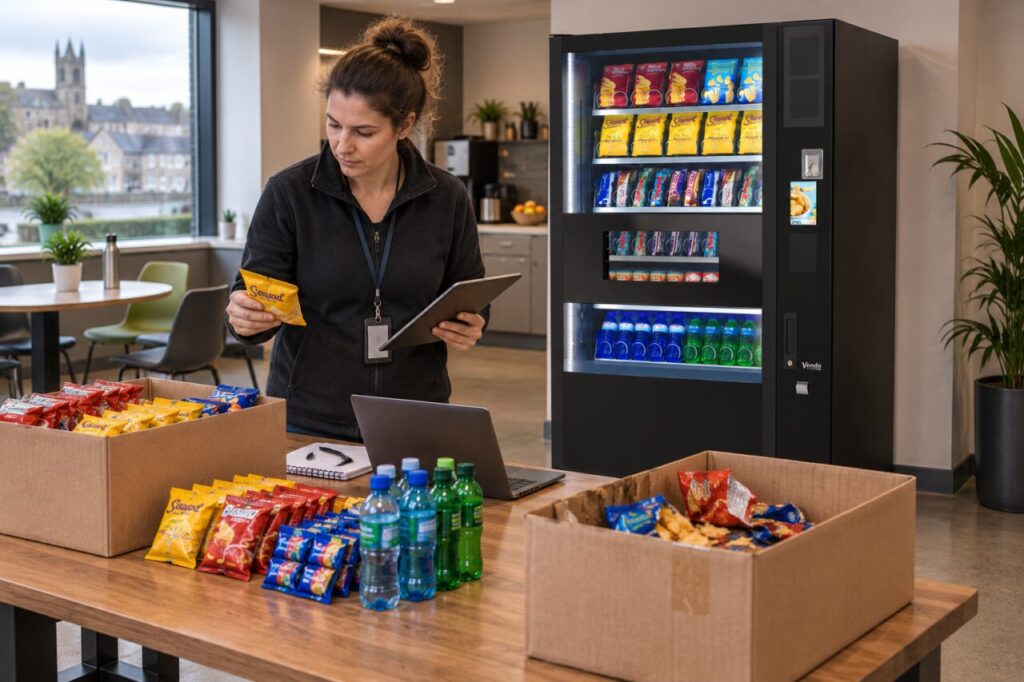
There is no reliable universal waste percentage for every vending site. Product shelf life, buying quantities, handling and demand all affect the outcome. Start with explicit scenarios and replace assumptions with your own evidence as the route develops.
Separate remaining stock from losses
A sealed saleable item still held for a future refill is different from an item written off. Record opening stock, purchases, sales, closing stock and known losses using consistent units. This makes it easier to see whether a gap is a timing issue, a counting error or an actual loss requiring investigation.
Do not label every difference as waste. A transfer to another machine or a sample used in commissioning may explain part of the movement. Keep those records distinct. Otherwise the forecast may build in a large waste allowance to compensate for an inventory process that needs correction instead.
Use a small worked scenario
For illustration, suppose 100 items cost EUR 1 each, 90 sell for EUR 2 each, five remain saleable and five are written off. Revenue is EUR 180. The 90 sold items cost EUR 90 and the five lost items cost EUR 5, leaving EUR 85 before all other costs and any applicable tax treatment.
The remaining five items still represent EUR 5 of stock in this simplified example. Cash paid for the original purchase was EUR 100, so revenue less that cash purchase is EUR 80. The difference illustrates why cash movement and a stock-adjusted trading result are not identical. These figures are invented teaching assumptions, not expected vending performance.
Test the assumptions transparently
Run another version with different sales and loss quantities. Label it as a sensitivity check rather than a predicted outcome. Ask which operational change would reduce the risk: a smaller order, fewer trial products or better stock rotation. Avoid assuming that a lower purchase price always compensates for buying more than the site can use.
The Local Enterprise Office business-plan guide encourages clear financial projections and assumptions. Keep the calculation alongside your vending business plan so a reader can see what changes the result. Include labour, payments, travel and other costs separately instead of calling the remaining product margin final profit.
Keep the loss measure consistent when comparing periods. Five units out of stock purchased and five units out of items sold use different denominators. State which basis you used before comparing percentages or setting a purchasing target.
Replace scenarios with measured records
Review actual losses by product and reason over a consistent period. One damaged delivery should not automatically become a permanent forecast rate. Equally, a short trial with no losses does not establish that future waste will be zero. Record the evidence period and the limits of the sample.
Food safety must not be relaxed to make the forecast work. The FSAI storage guidance advises following storage and use-by instructions and not using products with damaged packaging. Manage unsuitable stock through the appropriate process, then record its financial effect accurately. Better purchasing decisions come from understanding the loss, not hiding it in sales or keeping unsafe goods available.
Related guidance: Vending Stock Written Off: Keep Damaged Goods Separate from Sales.
Planning or reviewing vending at your site? Contact the team with your location, equipment details and the question you would like to resolve.