
Vending Purchase Approval: Give Finance and Facilities the Same Brief
A vending purchase can be approved financially while the proposed site arrangement remains unresolved. The reverse can happen too: facilities may identify a suitable position before anyone has confirmed the full scope of the purchase. Give both teams the same brief so their decisions refer to the same equipment and assumptions.
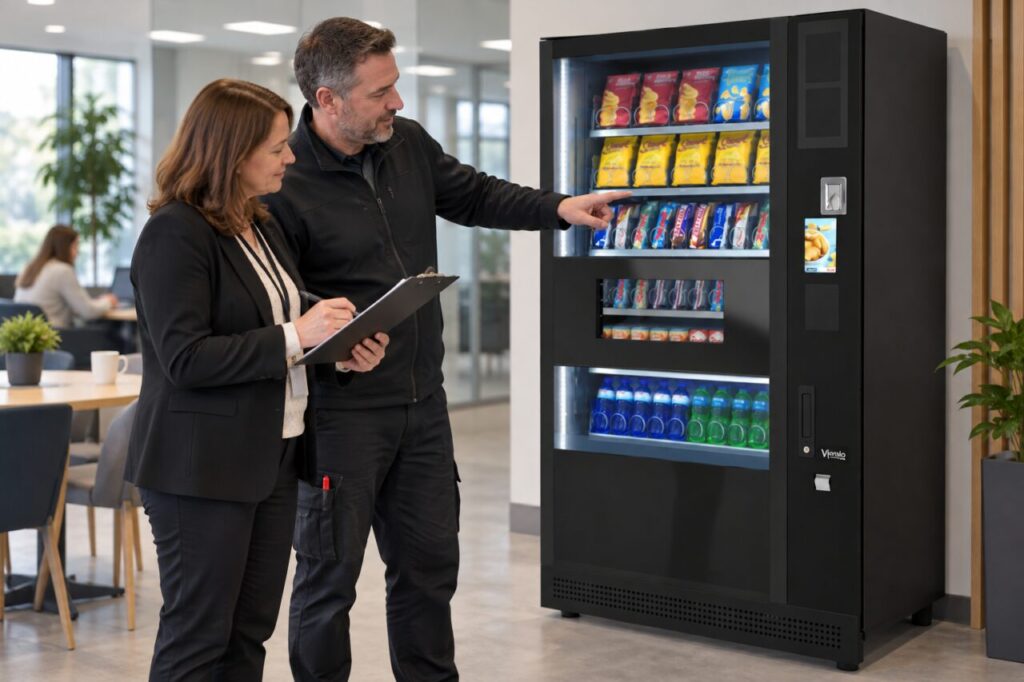
The brief does not need to be a large report. It needs to explain the requirement, what is included, what depends on further confirmation and who will make each decision. Keep supplier statements separate from internal assumptions so a provisional idea does not become an apparent promise.
Start with the service need
Describe who will use the vending machine, the proposed location and the gap it is intended to fill. State whether the business is considering equipment purchase, hire or a managed arrangement. If that choice is still open, say so rather than presenting figures from different models as though they describe one proposal.
Include the intended product and payment requirements at an appropriate level. Facilities needs enough information to discuss the arrangement with the supplier, while finance needs to understand the scope being priced. Avoid listing optional features as included simply because they appeared in an earlier demonstration or catalogue photograph.
Show the full set of assumptions
Identify the equipment configuration, delivery assumptions, installation responsibilities and training requirements. Mark each item as confirmed or awaiting an answer. Use the supplier’s written quotation as the source for included items, and keep any internal estimate clearly labelled until the responsible party confirms the actual arrangement.
Ask finance and facilities to review the same version. A price based on one installation position may not describe a changed location or a different delivery arrangement. If a material assumption changes, return the revised brief to the relevant reviewers instead of quietly carrying the earlier approval into a different project.
Separate one-off and ongoing questions
List the costs that are quoted and the ongoing services that require clarification. Do not invent charges or assume that every possible service applies. The objective is to ask the supplier which costs are relevant, what is included and what the business would be responsible for after installation.
Our guide to included and recurring vending software services shows one area where clarification can matter. Apply the same approach to other parts of the proposal. A short list of unanswered questions is more honest than a complete-looking budget built from unverified assumptions.
Make approval responsibilities visible
Record who confirms the commercial scope, who confirms site readiness and who coordinates the next stage. These may be different people. An approval should state what it covers, especially when technical assessment or a supplier response is still outstanding. Avoid using a single approved label for a partly resolved project.
Set a point for reviewing the brief before the order or delivery proceeds. Keep the current version available to the eventual receiving contact. That person should not have to infer the agreed accessories, services or installation sequence from separate documents that were prepared for different departments at different times.
When exploring vending equipment for your business, sharing a coordinated brief helps the supplier answer the right questions. It also gives the internal team a common record of the decision. The benefit is practical clarity: each approval applies to an identifiable arrangement, with remaining dependencies visible to everyone involved.
Contact our team with the site requirement and the questions your reviewers need answered.