
Vending Software in a Quote: Separate Included Features from Recurring Services
A vending quotation may mention remote monitoring, reporting or a customer management portal. Those descriptions can cover different arrangements. Before comparing prices, ask which functions are included with the equipment and which depend on an ongoing service, account or subscription.
This is not a reason to reject useful software. It is a way to understand what your team will actually receive and keep using. A clear schedule of features and responsibilities makes the purchasing decision easier and helps prevent confusion when the first recurring invoice arrives.
Start with the task you need to do
Write down the decisions the software should help you make. You might need to review product sales, see whether a machine needs attention or share a monthly summary with a site manager. Describe the task in ordinary language before asking about product names or dashboard packages.
Then ask for a demonstration of those specific tasks. A screen containing many charts is not enough if the person responsible cannot find the information needed. Note any function shown only as an example, optional extra or future possibility rather than part of the proposed service.
Make a feature and charge schedule
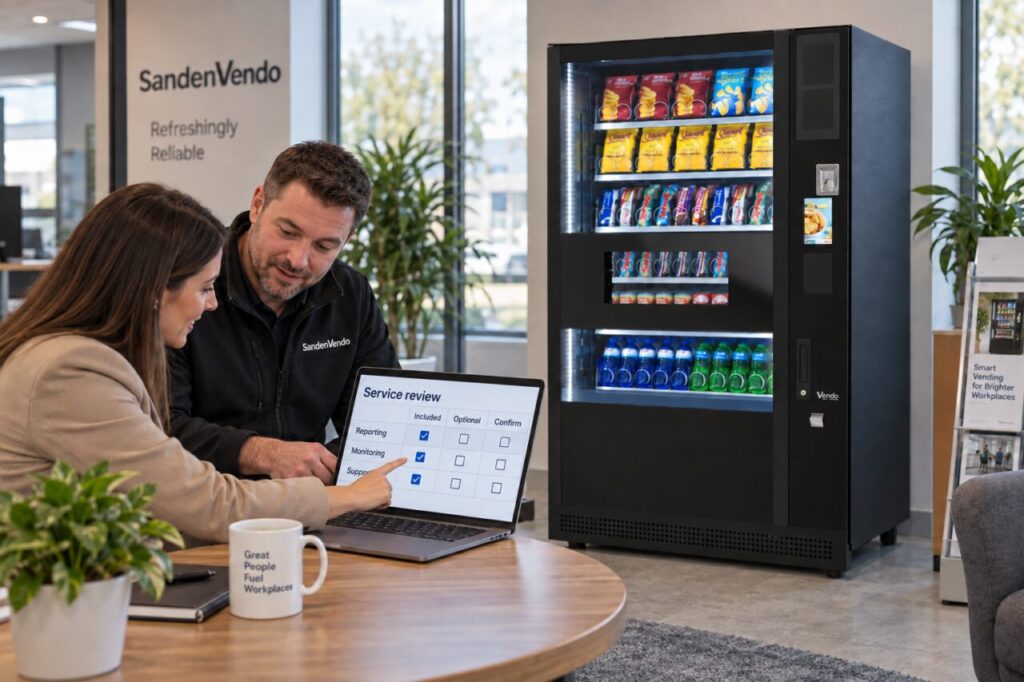
Create one row for each required function. Beside it, record whether it is included, optional or unavailable in the quoted configuration. Add any stated setup charge, recurring charge, billing period and the number of machines or users covered. Leave unanswered items visibly open.
Avoid converting an unclear package into an assumed monthly figure. Ask the supplier to explain how charges change if you add a machine, change the service arrangement or need another user. Use the quotation’s actual figures and terms; a general online example cannot establish your final commercial agreement.
Ask who receives access
Clarify whether your own staff will use the system or whether the operator uses it to provide the managed service. Those can both be valid arrangements, but they offer different levels of direct access. An operator’s monitoring capability does not automatically mean every customer receives an administrator account.
Agree who can view reports, request changes and manage user access. Keep permissions appropriate to each person’s role. Ask how a departing staff member is removed and how a replacement contact is introduced. Never use shared private credentials as the shortcut for distributing reports around the workplace.
Check what the information represents
During the demonstration, ask when information was last updated and what a blank or unavailable value means. Establish whether an example is live, delayed or sample data. If you need a report for a particular period, confirm its dates and whether it includes all the machines in your arrangement.
A useful report should make uncertainty visible. For example, a missing connection should not quietly be interpreted as zero sales. Ask how the service team investigates gaps and how corrections appear in later reports. Record the answer alongside the feature rather than assuming every dashboard behaves the same way.
Include the ongoing arrangement in your decision
When comparing vending machines and service options, keep equipment and recurring services on separate lines. This helps you compare proposals with different levels of operator involvement. Ask what access or reporting remains if an optional service is ended under its agreed terms.
Bring the clarified schedule into your proposal comparison. The preferred offer should meet your practical reporting needs with a clear owner and understandable cost, rather than simply displaying the longest software feature list.
To clarify a proposed equipment and reporting arrangement, send an enquiry describing the decisions your team needs to make.