
Before Ordering a Vending Machine: List the Accessories Included in the Price
A vending machine quotation can be clear about the cabinet while leaving smaller items less obvious. Before ordering, ask for an inclusion list covering the accessories and supporting items needed for the agreed setup. This helps separate what is supplied with the machine from what your site or service provider must arrange.
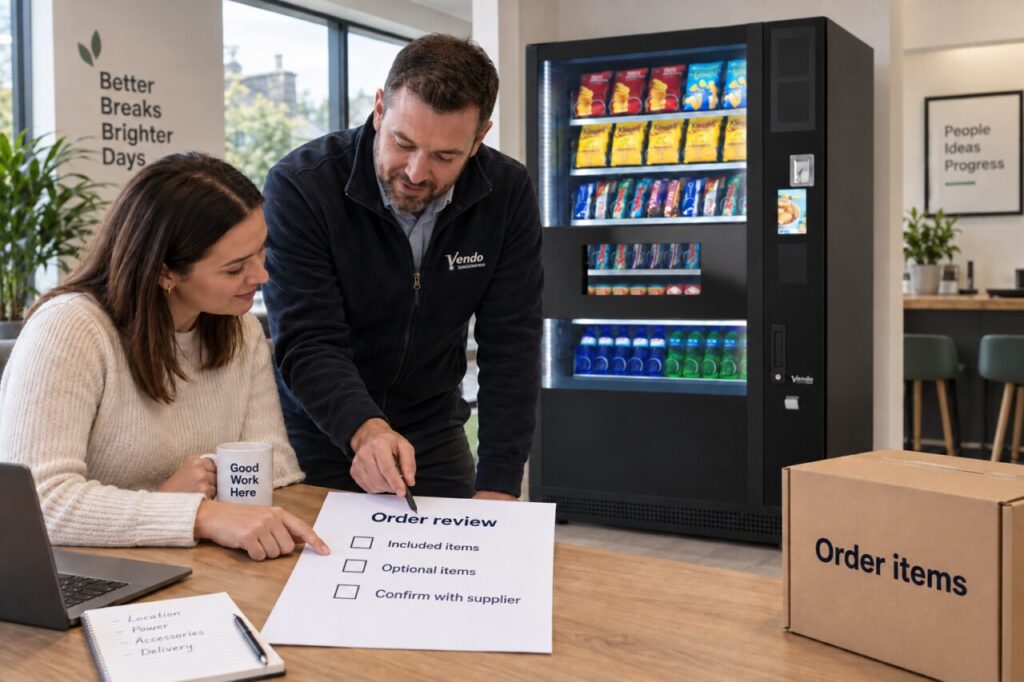
The list should follow your actual proposal. There is no universal accessory package that applies to every machine, payment arrangement or operating model. Use it to clarify the offer rather than assume that an item is standard because it appeared in a showroom photograph.
Start with the intended setup
Describe the products, payment arrangement and operating responsibilities agreed for your site. Ask the supplier which accessories or supporting items are required for that configuration. Keep essential items separate from optional conveniences so an attractive extra does not distract from an unresolved requirement.
Our guide to essential and optional features can help with that distinction. Once the configuration is clear, the inclusion list becomes a practical record of the agreed package rather than a wish list assembled from unrelated equipment.
Give each item an unambiguous description
Where an accessory is included, record its description and quantity clearly enough to identify it at delivery. Ask for a reference where different versions could be confused. General phrases such as accessories included are less useful than an itemised schedule connected to the actual order.
Include documentation and any agreed handover items as well as physical components. Do not publish or casually circulate keys, access details or other sensitive information in the list. The record can state that an authorised handover is required without exposing the means of access.
Identify who supplies excluded items
An excluded item may be supplied by your organisation, the installer or another provider. Record the responsible party and whether it must be available before installation. If nobody owns that action, the omission can remain hidden until the team is ready to commission the machine.
Ask whether an optional item can be added later and what assessment would be needed. Do not assume that every accessory is a simple future upgrade. A supplier’s written answer should refer to the proposed equipment, avoiding a promise based only on a general product family.
Connect the list to the final quotation
Keep the inclusion schedule with the latest accepted quotation. If the proposal changes, update the schedule at the same time so the two documents continue to describe the same package. Mark removed or replaced items clearly rather than leaving several apparently current lists in circulation.
When comparing vending machines for purchase, use the complete package as the basis for discussion. Two equipment prices may cover different supporting items or levels of setup. Clarifying those differences is more useful than assuming the lower headline amount represents the same offer.
Use the list at handover
Give the relevant receiving or installation contact access to the agreed list. Record what arrived, what has been installed and what remains due separately. Keep receipt distinct from a technical confirmation that an item is correctly fitted or configured by the appropriate service team.
Finally, store the completed record with your machine documents. If a replacement accessory is needed later, the original information can help the supplier identify the arrangement. It also gives a new site contact a better starting point than an unexplained box of spare items in a cupboard.
For an itemised equipment proposal, contact the team with your intended range, payment needs and site responsibilities.