
Vending in a Quiet Work Area: Assess Sound During Real Use
A vending machine that is unobtrusive in a busy canteen may be more noticeable beside a quiet work area. Before choosing that position, assess the sounds associated with the actual equipment and ordinary customer use. A brief listen in an empty showroom cannot reproduce a workplace where people take calls, concentrate or use a nearby meeting room throughout the day.
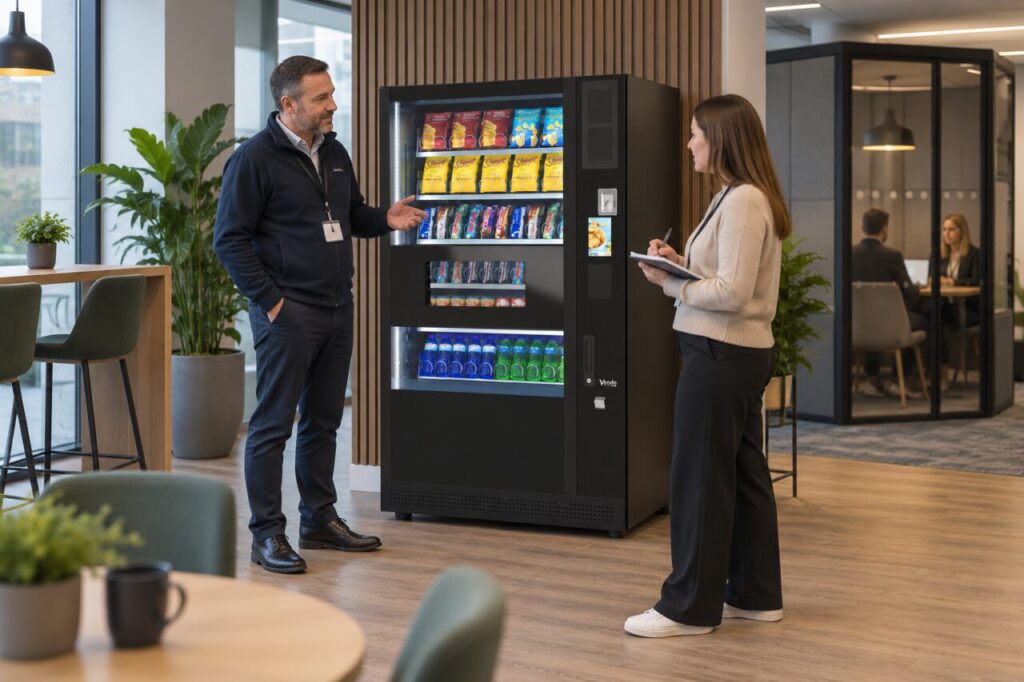
Define what the space is expected to support
Describe the neighbouring activities to the supplier: focused desk work, confidential calls, short meetings or an informal break area. Identify when the space is quietest and when vending use is likely to be busiest. This makes the assessment more useful than simply requesting a quiet machine without explaining what quiet needs to mean in that location.
Ask whether relevant sound information is available for the quoted model and configuration. If a figure is supplied, request its measurement conditions and avoid comparing unlike figures as if they were directly equivalent. Do not invent a decibel rating from a general description. Keep technical evidence separate from the site’s judgement about whether the proposed arrangement suits its users.
Observe more than the machine at rest
Where a demonstration or site trial is available, consider normal operation as well as a period with no customer activity. Include selection, product movement and collection in the observation. Ask the provider to explain what is normal for the equipment. Do not try to trigger unfamiliar modes or open the cabinet to make a more detailed assessment.
Also observe the surrounding behaviour: people approaching, talking, waiting and opening nearby doors. A complaint attributed to vending may concern the social activity around it rather than a cabinet component. Record the circumstances so a proposed solution addresses the actual problem instead of replacing equipment while leaving the same conversation spot beside a concentration area.
Consider the position with the building team
Discuss alternative locations or an adjusted room layout before committing to installation. Keep approved clearances, ventilation, service access and customer routes within the assessment. Do not add improvised enclosures, padding or coverings to suppress sound. Any alteration around the equipment should be reviewed by the responsible supplier and building team for the particular installation.
The fully managed service assessment considers the space and requirements before agreeing the arrangement. Include sound-sensitive neighbouring activities in that conversation. A location that fits the cabinet dimensions is not necessarily the best customer or workplace position, and the most convenient power point should not be the only factor deciding where the service goes.
Review concerns with useful observations
If sound becomes a concern after installation, note the time, duration and circumstances. Explain whether it is new, intermittent or associated with a particular ordinary activity. Ask the provider to assess unexpected machine sounds rather than labelling them normal yourself. A change in behaviour deserves a service report, not an improvised physical fix by the site host.
When comparing vending options, retain the results of any agreed trial and the reasons for the chosen position. Review the arrangement if desks or meeting spaces move closer later. A practical sound assessment connects equipment information with real working conditions, helping the site choose a suitable location without promising silence or making unsupported claims about a model’s acoustic performance.
Related guidance: Office Desks Have Moved: Recheck the Vending Queue and Collection Space.
Planning or reviewing vending at your site? Contact the team with your location, equipment details and the question you would like to resolve.