
Vending Selection Numbers: Help Customers Match the Code to the Product
A selection number is useful only when the customer can confidently match it to the intended product. Similar packs, a crowded display or an unclear label can leave someone hesitating at the machine. Review the customer’s view of the actual installation before assuming that the selection system is obvious to everyone.
This article concerns ordinary customer product identifiers, not operator access codes or service functions. Follow the instructions displayed on the installed equipment. If the product and identifier do not appear to match, ask the operator to check rather than experimenting with guessed combinations.
Start from the customer's position
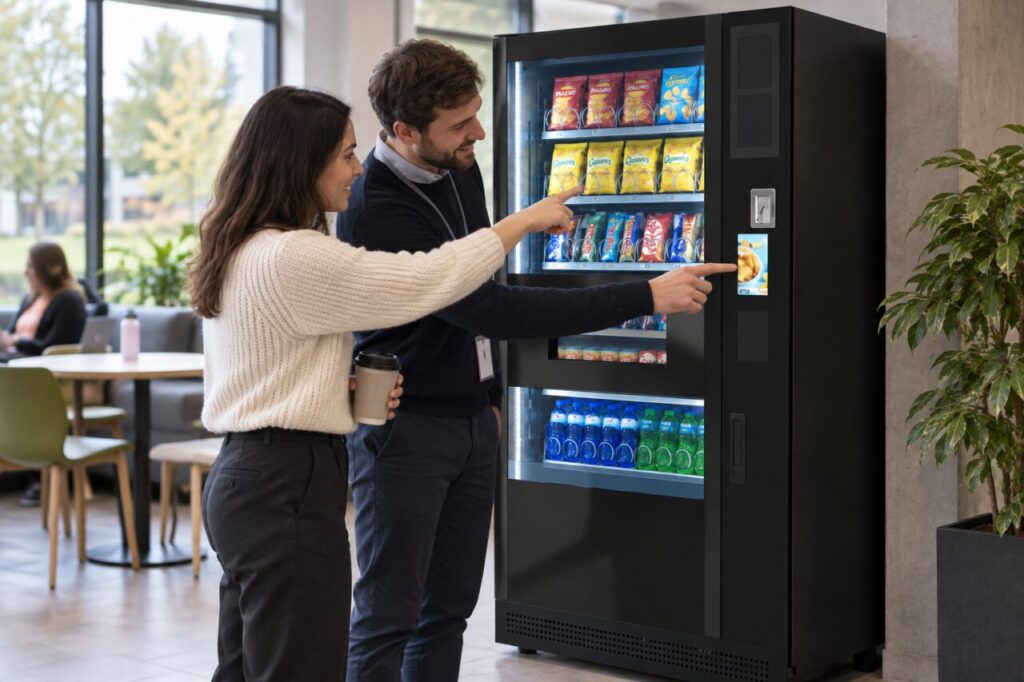
Stand at a normal viewing distance and identify a particular product without using knowledge of the machine’s internal layout. Check whether the relevant label, price and selection information are easy to associate. A setup that is clear to the person who stocks it may be less obvious to a first-time customer.
Repeat the check with similar-looking products nearby. Ask a colleague unfamiliar with the layout to describe which item they believe the identifier selects. Their hesitation can reveal a presentation issue that the regular operator no longer notices because they know where everything belongs.
Check the whole identification chain
Compare the visible product with the selection information and the corresponding customer interface. Where the equipment uses a touchscreen description, ask the operator to confirm that it matches the actual stocked item. Do not assume that a familiar product image remains correct after a range change.
Record the specific mismatch and machine location when requesting a correction. A report that the labels are confusing is less actionable than identifying the two selections involved. Keep any photograph focused on the products and labels, without including unrelated customers or payment details.
Review changes after replenishment
When a product moves or a substitute is introduced, the authorised operator should review the associated customer information as part of the agreed process. A packet occupying the same space does not mean that its description, size or price is unchanged. Treat the visible presentation and configured selection as connected parts of the change.
Our product substitution guide discusses approving a replacement range. Selection clarity is one of the practical checks that helps ensure the customer sees the product that the operator intends to offer.
Keep assistance simple
If customers regularly need help, ask what step is confusing before adding a long instruction sheet. The issue might be identifying the product, understanding the interface or finding the collection point after payment. Each calls for a different explanation, and extra wording can make a simple display harder to read.
Use guidance approved for the actual machine. Do not publish guessed universal codes or tell users to press unverified button sequences. The site’s support contact should know how to report a selection concern and direct customers through the operator’s normal purchase-query process.
Verify the correction in use
After an authorised correction, repeat the customer-view check with the relevant products. Confirm that the label and interface now communicate the same choice. Where a test purchase is needed, have it carried out through the agreed operator process and recorded appropriately.
When reviewing vending equipment for your workplace, include product identification in the demonstration. A successful service needs customers to recognise what they are buying, not just a machine that can physically hold the proposed range. Clear selection information supports that everyday experience without requiring model-specific promotion.
For a site or equipment enquiry, contact our team.