
The Vending Selection Times Out Before You Finish: What to Record and Ask the Supplier
If a vending selection clears before you finish reading or preparing payment, repeating the same sequence quickly may not solve the underlying difficulty. Pause and establish what stage timed out. A selection reset, payment request expiry and unsuccessful transaction can look similar to a customer while requiring different checks from the responsible provider.
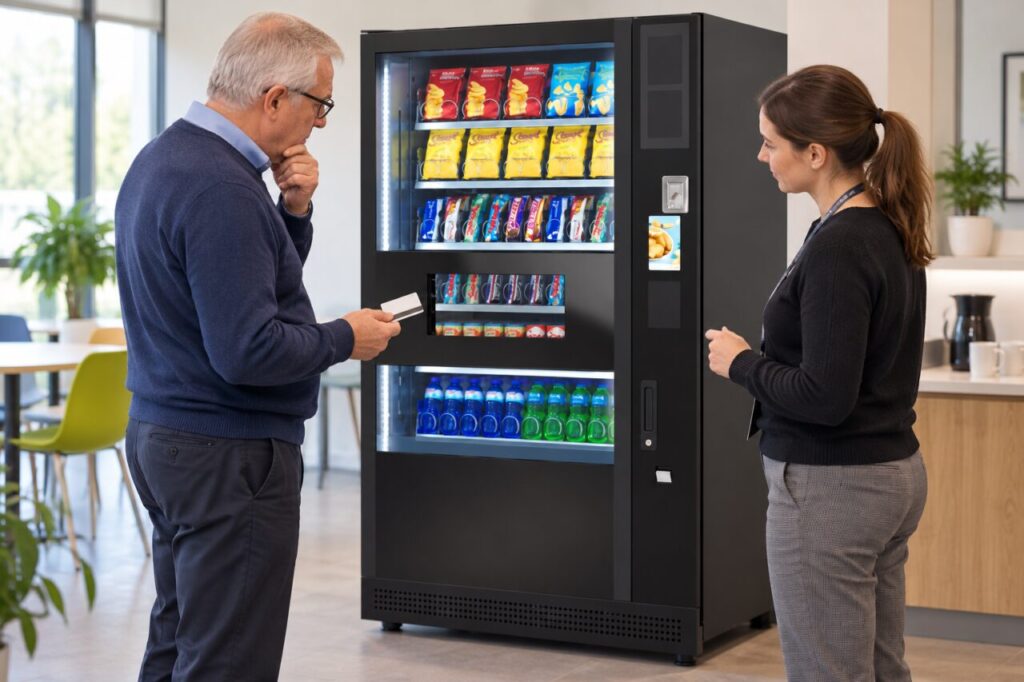
Do not assume that a cleared screen proves no payment occurred. If you already presented a card or another payment method, retain the available transaction information and use the operator’s support route before making repeated attempts. The useful report describes the sequence you observed without guessing which internal setting or component caused it.
Record the stage that changed
Note the machine location, approximate time, selected item and the last instruction shown before the reset. Explain whether you had only selected a product, had started payment or had received a payment response. If a message remains visible, record its wording without including private payment information in a public photograph or general enquiry.
Say what you were doing when the change happened, such as reading a description or taking a card from a wallet. Do not feel obliged to demonstrate the problem through repeated paid purchases. Site staff can pass the observation to the operator, who can decide whether an authorised test is needed and how any test transaction should be handled.
Ask what the normal sequence allows
The supplier should explain the intended customer steps for the actual configuration. Ask whether a warning appears before a reset, how a customer can safely start again, and what to do if payment status is uncertain. Avoid assuming that a timeout setting is adjustable or that changing it is appropriate for every payment system.
For web-based interfaces, W3C’s timing guidance explains why people may need additional time to complete tasks. That is a useful accessibility principle when discussing the journey, not evidence that a particular vending machine has a specific feature or meets a legal requirement. Confirm the capabilities of the proposed system directly.
Include realistic users in a buying check
During an agreed demonstration, allow users to follow the instructions at their ordinary pace. A supplier who already knows every step may complete the purchase much faster than a first-time customer. Observe reading, selection, payment preparation and collection separately. Keep the assessment respectful and avoid asking anyone to disclose a disability or personal payment details.
If the sequence does not work for an intended user, ask which supported alternatives exist. These may depend on the equipment and service arrangement. Do not promise assistance whenever needed unless the site can actually provide it. Record unresolved needs before choosing vending equipment for the site, rather than leaving them as informal concerns after delivery.
Check the agreed response after a change
If the responsible provider changes an authorised setting or updates the instructions, repeat the relevant customer journey with the final configuration. Record what changed and what was observed. A longer interval alone may not solve unclear instructions, an awkward sequence or uncertainty about payment status. Evaluate the complete experience rather than one stopwatch result.
Keep a short, current instruction for customers who encounter the reset, using wording confirmed by the operator. Include the support route and avoid suggesting that customers repeatedly tap their card until something happens. The aim is a clear next step, a traceable report and a purchase process that intended customers can use without feeling rushed.
For a proposal suited to your site, contact our team with the location, expected users and your main requirements.
Related guidance: Vending Instructions for First-Time Users: Test Plain Language and Pictures Together.


