
Vending Machine Documentation: Build a Useful Site Equipment Folder
A useful vending equipment folder helps the site answer a practical question quickly: which machine is this, what arrangement applies and who should be contacted? It should not become an unfiltered collection of old quotations and screenshots. Build a small, current record that supports everyday coordination without exposing account credentials or encouraging staff to perform unfamiliar technical work.
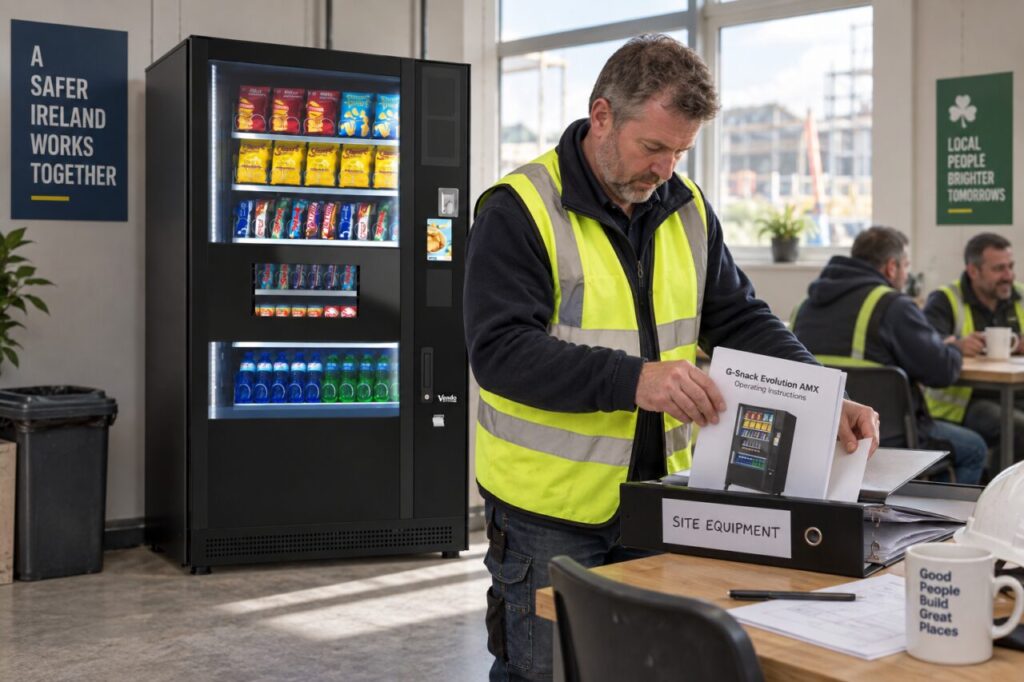
Put identification first
Start with the site’s own location name and the machine identification supplied at handover. Include a clear equipment photograph if appropriate. If the premises has several similar machines, explain which room or area the record covers. A supplier reference and a recognisable location description help prevent a fault report or service appointment being attached to the wrong equipment.
Keep the accepted order and final configuration accessible, but distinguish them from the current operating instructions. A sales brochure may describe a range of options rather than the machine actually installed. The vending equipment information can help with general enquiries; the site folder should identify the specific arrangement confirmed by the supplier for your premises.
Keep instructions relevant to the role
Store the current user guidance and any authorised routine-task instructions in clearly named sections. Confirm that they apply to the installed model and configuration. Do not collect generic repair instructions from unrelated machines as a substitute. If the correct document is missing or unclear, ask the supplier to provide or identify the appropriate version.
Explain the limits of site responsibilities near the contact details. Staff should know which ordinary observations to report and which tasks belong to the operator or technician. A document being present does not make every reader trained or authorised to carry out the procedure. Keep technical access and specialist work within the agreed service arrangement.
Make contacts and changes easy to find
Include the normal service contact, the site’s coordinating contact and the route for customer purchase queries. Describe when each is used. Avoid storing passwords, payment-account credentials or private customer records in a general equipment folder. If restricted information is needed for another process, keep it within your organisation’s authorised system and access arrangements.
Maintain a short change record when equipment, accessories or responsibilities change. Record the date, the source of the confirmed information and which older document it replaces. This can be more useful than adding another email to a long thread. A colleague should be able to tell which instruction is current without asking the original project buyer.
Use a separate section for completed service notes and unresolved actions. Keep a concise summary of what remains open, with an owner and next step. The guide to handover attendees helps identify who should receive this information. The folder should support those people, not conceal unfinished tasks beneath a pile of completed paperwork.
Review the folder when something changes
Assign responsibility for updating the record after a meaningful change. A machine replacement, revised service contact or altered access process should trigger a check. Keep superseded material identifiable as historical rather than leaving it alongside current instructions without a label. Retain records according to your organisation’s policies instead of deleting useful history simply to make the folder shorter.
Test the folder with a colleague who was not involved in the purchase. Ask them to find the machine reference, current contact and outstanding action list. If those basic items are difficult to locate, simplify the structure. A few well-labelled documents often work better than a complex filing system that nobody maintains after launch.
The result should make coordination more consistent during absence, staff changes and service visits. It does not replace the supplier’s advice or professional maintenance. Its purpose is to preserve the confirmed facts about your equipment and make the next sensible step easy to find when someone at the site needs help with an ordinary vending question.
Ask our team about information needed for your vending handover.