
You Paid for Vending with a Smartwatch: Keep the Payment Method Clear in a Query
If you bought a snack using a smartwatch, mention that payment method when asking about the transaction. Saying only that you used your bank card may leave out a useful detail, particularly if you also use the physical card or a phone at the same site. A clear purchase record helps the operator investigate without asking you to share private account information unnecessarily.
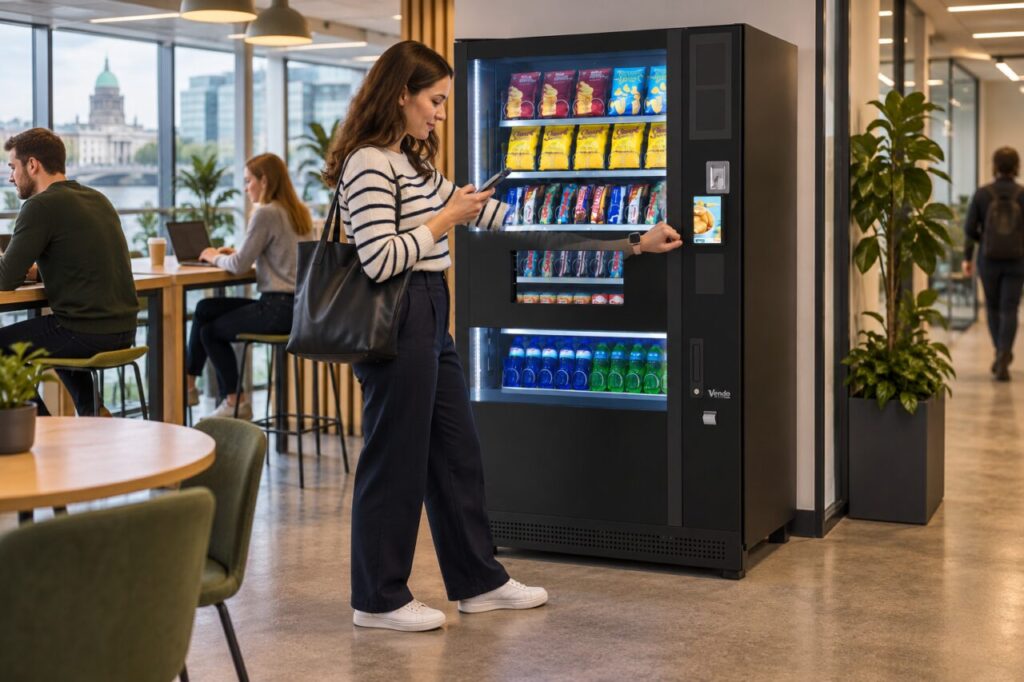
Start with the purchase itself
Write down the machine location, approximate time, displayed amount and the product you selected. Record whether the machine approved the payment and whether the product arrived. These observations are more useful than an assumption about what caused the problem. If the display showed a message, copy the wording accurately instead of summarising it as a general payment failure.
Specify that the payment was made from your watch and identify the wallet or payment service only where relevant. You do not need to provide your full card number, security code or account password to a site host. If support needs a transaction reference, ask which reference is required and provide it through the operator’s approved channel.
Check the available records carefully
Look at the transaction information available through your payment service and bank. Record the status actually shown, including whether an entry appears pending or completed. Avoid assuming that an entry proves the machine dispensed a product, or that a missing immediate notification proves no payment attempt occurred. The operator and payment provider may need to compare their records before reaching a conclusion.
If you used more than one device during several attempts, list the attempts separately. For example, note that the first attempt was on a watch and the second on a phone, with approximate times and outcomes. Do not merge them into one event or repeatedly retry while collecting evidence. That can make it harder to identify which attempt needs attention.
Use the machine operator's support route
Find the operator contact shown on the machine or ask the venue host for it. The venue receptionist may help identify the equipment but may not control payment records or refunds. Where a purchase was made through Monyx, its official FAQ explains transaction history and the operator contact route; that does not mean every watch purchase will appear in the Monyx app.
Keep the initial report concise and factual. Include the purchase details, the payment device and what you need checked. Redact unrelated transactions from any screenshot and never post banking screenshots in a public review or staff noticeboard. Keep the support reference so that a follow-up can be attached to the same case rather than starting several conflicting reports.
Help the next investigation run more smoothly
If you operate vending machines, include payment method in the standard incident form. A short choice such as cash, physical card, phone, watch or supported app can improve the description without collecting sensitive credentials. Staff should know which information they may request and when to hand the query to the authorised payment administrator.
During a new installation, test the payment methods that are actually supported and explain them clearly to users. Do not promise universal watch compatibility from a general contactless symbol alone. Confirm the reader and payment configuration with the provider, then retain the agreed support process. Good records make a later query easier to trace, while the provider remains responsible for explaining its own transaction and settlement behaviour.
Related guidance: Two People Use the Same Card for Vending: Identify the Purchase Before Requesting a Refund.
Planning or reviewing vending at your site? Contact the team with your location, equipment details and the question you would like to resolve.