
Vending Stock Is Available but Customers Cannot Find It: Review the Selection Layout
A customer may report that a snack is missing even when it is available in the machine. Before adding more stock or removing another product, check whether people can actually find the existing selection. The problem may be presentation, similar packaging or an unclear buying path. A short observation at the machine can distinguish a visibility issue from a genuine gap in the range.
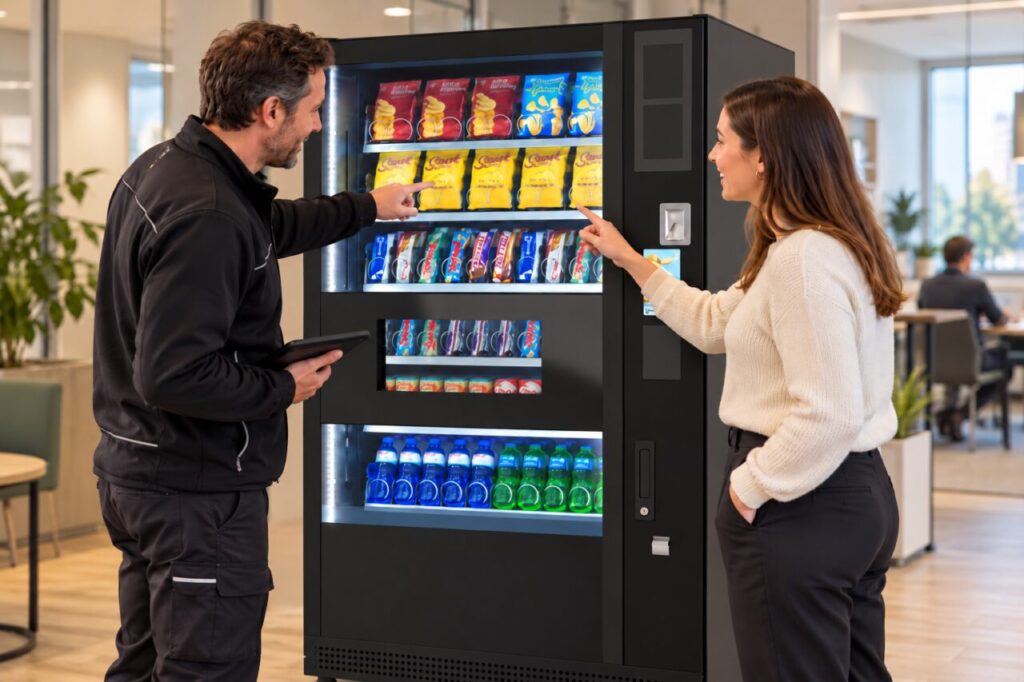
Start with a specific customer request
Ask which product the customer expected and where they looked for it. Do not interpret a general request for more choice as proof that a particular line is absent. Check the exact variety and pack size where relevant. A customer asking for plain crackers may not regard a flavoured biscuit as an equivalent, even if the operator groups both under savoury snacks.
Look at the machine from the customer’s normal approach. Identify whether the product is visible, whether its selection information is readable and whether similar products make it hard to distinguish. Avoid opening the cabinet or changing settings during this initial observation. The host can gather useful information without taking on tasks reserved for the operator.
Separate visibility from availability
Check whether the item was available at the time of the reported difficulty. A refill completed afterwards can make a genuine earlier shortage look like a navigation problem. Use the visit record and customer timing where available. If the time is uncertain, keep that uncertainty in the notes rather than concluding that the customer simply overlooked the product.
Consider whether the visible pack can actually be purchased. A display that appears stocked is not sufficient evidence that a selection is operating normally. Ask the responsible operator to check the affected choice using the appropriate procedure. Record any difference between visible stock, successful availability and the customer-facing information so the next action addresses the real issue.
Test one practical improvement
If the item is available but difficult to find, agree a limited presentation change with the operator. That may involve clearer selection information or an approved layout adjustment. Do not move packs into arbitrary positions without checking suitability for the machine and product. The manufacturer’s requirements and the operator’s approved configuration remain relevant even when the purpose is easier browsing.
Change one useful element at a time where practical. Ask a few willing users to find the item without coaching them through every step. Note whether the task becomes easier and whether the change creates confusion elsewhere. A favourable comment from one regular customer is helpful, but it does not establish that unfamiliar visitors will understand the arrangement equally well.
Use the result to guide range decisions
Review customer questions and actual purchases after the change, allowing a reasonable observation period for the site. Keep promotions, opening hours and stock interruptions in mind when comparing results. If people still request a genuinely different product, treat that as a separate range question. Improved visibility should not be used to dismiss an unmet need.
When discussing vending options, describe both the proposed range and how customers will identify it. Clear selection information can make a manageable range more useful, while unnecessary expansion can complicate stocking without solving the original problem. The decision should follow what customers are trying to buy and what the machine can reliably offer.
Related guidance: Vending Customers Ask for a Larger Range: Test Whether More Lines Improve Availability.
Planning vending at your site? Contact the team with your location and requirements.