
Vending Stock Looks Different After a Refill: Check the Pack Before Choosing
A familiar snack may look different after the vending machine is refilled. The manufacturer may have changed the wrapper, the operator may have stocked a different pack size, or a similar product may now occupy the selection. Treat the pack and displayed information as the starting point for your choice. Familiar colours and a remembered position are not enough to confirm that it is the same item.
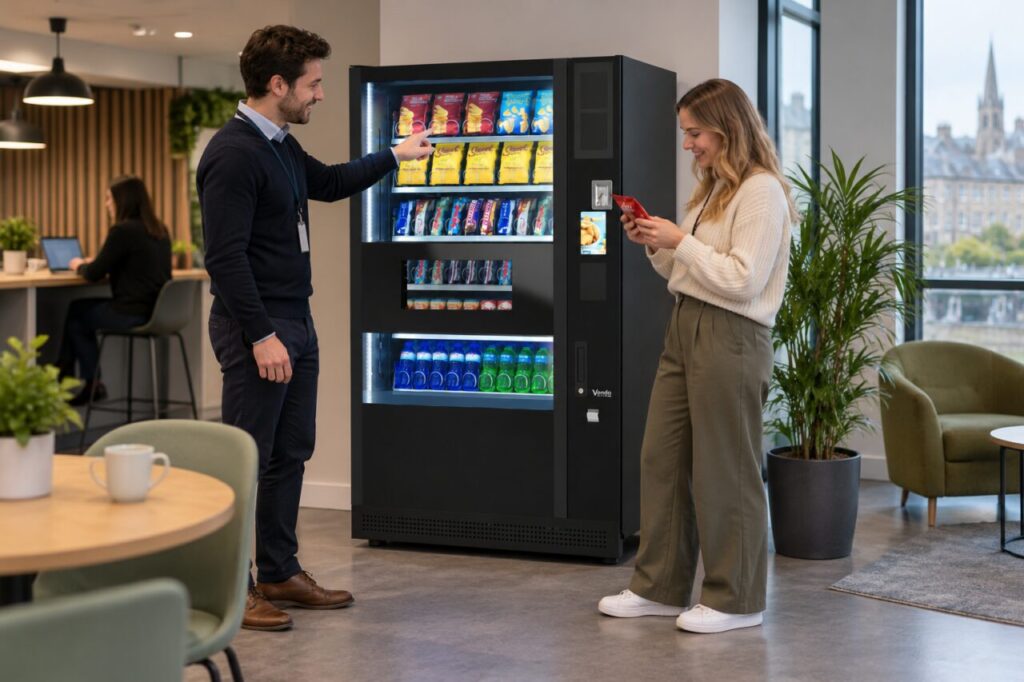
Check what has actually changed
Look at the product name, variant and pack size visible before buying. Compare the selection information with the product behind the glass or on the screen. If those details disagree, ask the operator to check the layout. Do not assume that a different wrapper proves a different recipe, but do not assume an unchanged recipe simply because the brand name is familiar.
For an ingredient or allergen question, use the actual product information and ask for clarification if it cannot be read before purchase. Avoid relying on a photograph of an older pack from an unrelated website. The information needs to match the product being offered. If you cannot establish whether the item suits your requirements, choose an option you can verify instead.
Review the price and quantity together
A new pack may contain a different quantity, so compare size as well as the displayed selling price. A price that appears unchanged does not necessarily mean the same amount of product is being supplied. Conversely, a higher price alone does not establish that the operator made an error. Ask about the exact item rather than comparing two products only by their broad description.
After purchase, retain the wrapper if you want the operator to investigate a mismatch. Record the selection, time, machine location and price paid. A photograph of the product name and size can help identify the stock. Do not put an unwanted purchase back into the machine or leave it in the collection area where another customer could mistake it for their own item.
Keep refill records aligned with the range
Operators should check a changed product against the approved layout before loading it. Confirm that the pack is suitable for the selection and that the description and price are correct. A new wrapper should prompt a deliberate identity check, even where the supplier describes the change as cosmetic. Product names, sizes and codes can make superficially similar stock easy to confuse.
Retain the normal supplier and product records, and ask the supplier about any uncertainty. Our fully managed service includes stocking within the agreed arrangement; sites should report an unexpected range change to the operator rather than rearranging stock themselves. A clear report lets the person responsible compare the delivered product with the intended selection.
Communicate changes that matter to customers
When planning vending machines, agree how meaningful product substitutions will be handled. A small note or updated selection description may be enough for some changes, while a persistent mismatch needs correction before further purchases. Avoid broad claims that every replacement is equivalent, healthier or suitable for the same dietary needs without checking the evidence.
At the next review, use specific customer feedback: which selection changed, what was unclear and whether the information was corrected. Keep preference comments separate from factual labelling issues. This helps the operator improve the range while ensuring that customers can make an informed choice from what is actually in the machine today.
Related guidance: Same Snack, Different Pack Size: Recheck the Vending Setup.
Planning or reviewing vending at your site? Contact the team with your location, equipment details and the question you would like to resolve.