
Vending Support by Email: Keep a Follow-Up Connected to the Original Report
When a vending issue remains open, a useful follow-up should help the support team understand what has changed since the first report. Starting a new message with no equipment details or original reference can make that harder. Keep the case connected, describe the current position and ask one clear next-step question. This is about making the report usable, not repeatedly sending the same complaint in different forms.
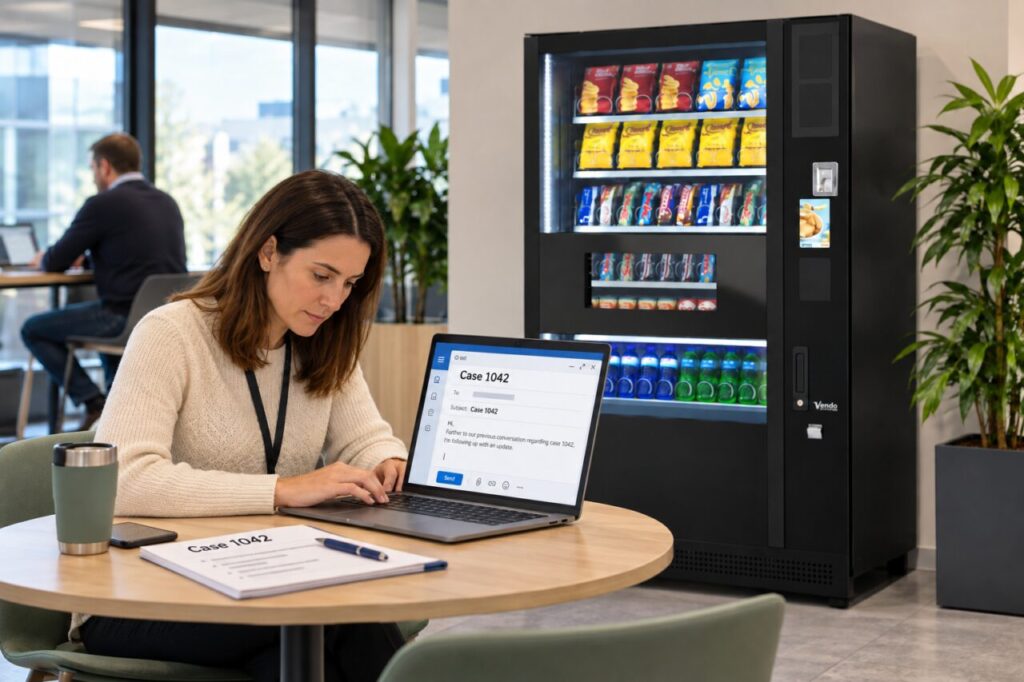
Begin with the original case details
Use the existing reference if the provider supplied one and follow its preferred communication route. Include the site and machine identity in a concise opening. If there are several similar machines in the building, say which one is involved. Do not assume that a reply from a different colleague gives the support team enough information to connect the conversation automatically.
Summarise the original issue in one or two sentences. Refer to the earlier report instead of copying a long chain of unrelated internal discussion. If the site contact has changed, explain who is now coordinating the response and how they can be reached through the authorised channel. Keep private account details and unrelated customer information out of the general message.
Say what is different now
Describe new observations with a date or relevant time. For example, state whether the same selection remains unavailable or whether the previously reported message has changed. Keep direct observations separate from assumptions about the cause. The support team can then decide whether the update affects its assessment without having to untangle a technical conclusion you cannot verify.
If nothing has changed, say that plainly and ask for the status of the agreed next step. Do not invent new symptoms to make the follow-up appear more urgent. Where the situation requires immediate attention under the site’s procedures, use the appropriate urgent reporting route rather than relying on an ordinary email. The site contact should know which process applies.
Attach only useful evidence
A clear photograph of the relevant display or selection may help if the provider requests it. Check that the image identifies the issue without including unrelated people, private messages or account information. Avoid sending a large collection of almost identical photographs when one current image and a short explanation would answer the question.
Label any attachment in the message so the recipient knows what it shows. If the image was taken before a later change, make that timing clear. Do not present an old photograph as the current state. Keep evidence gathered safely; customers and untrained site staff should not open equipment or attempt repairs simply to obtain a more detailed picture.
Finish with a specific next-step request
Ask what needs to happen next, who is expected to act and whether the site must prepare anything. If a visit was discussed, request confirmation of the arrangement rather than assuming a proposed date is booked. Avoid promising staff a resolution time that the provider has not confirmed. Share a factual update once the next step is agreed.
For ongoing vending service planning, agree the reporting and follow-up process before an issue arises. Keep the relevant case record available to the site contact and any authorised cover. A connected follow-up makes it easier to see the original problem, subsequent changes and current action without forcing every person involved to begin the investigation again.
Use our contact page for a service enquiry.
Related guidance: Vending Customer Support: Keep a Case Reference When More Than One Person Reports.