
Vending Support Photos: Show the Problem Without Exposing Personal Details
A clear photograph can help explain a vending problem that is difficult to describe over the phone. It can show which machine is involved, a visible message or a mismatch between a selection label and the product behind it. The aim is to document the relevant observation. A wide photograph of the whole room, nearby customers and an open banking app can add unnecessary information without making the problem easier to understand.
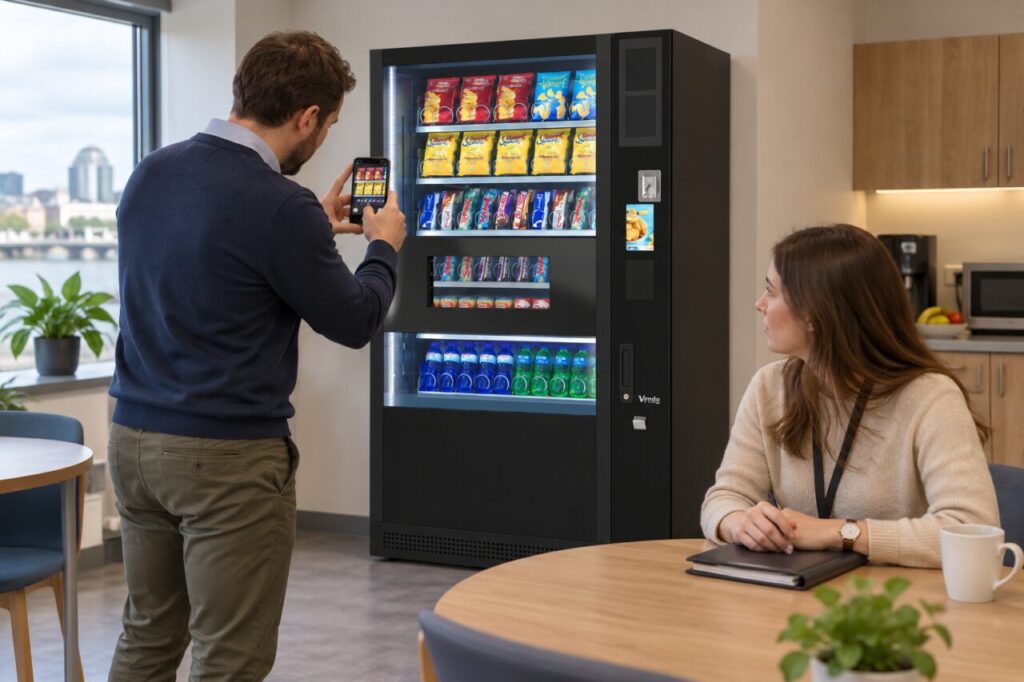
Decide what the photograph needs to show
Start with the question support needs to answer. For a selection-label issue, frame the relevant label and visible product position. For a displayed message, photograph the message clearly enough to read. If the machine’s identity is unclear, take a separate contextual photograph showing its location or customer-facing identifier. Two purposeful images may explain more than one crowded photograph with tiny, unreadable details.
Ask the support team what evidence it needs when that is practical. Some issues may be adequately described in writing, and a photograph cannot confirm every mechanical or payment fault. Explain when the image was taken and what happened before it. Do not present an image of a normal screen taken later as if it showed the message that appeared during the original incident.
Keep unrelated information out of frame
Before taking the photograph, look around the edges of the screen. Move your own paperwork out of view and wait until nearby customers have stepped aside. Avoid including staff badges, visitor lists or documents left on a reception desk. The machine should remain the subject. If you cannot obtain a useful image without capturing unrelated information, describe the problem and ask support for another way to provide evidence.
Do not photograph the front and back of a payment card as part of a machine report. If support requests transaction information, use its authorised process and provide only the requested details. A photograph of an entire banking screen can include other purchases, balances and personal information that have no bearing on the vending incident. Keep equipment evidence separate from any payment evidence requested later.
Photograph observations without changing the equipment
Use the normal customer position and keep clear of access routes. Do not open service panels, remove covers or reach into a collection mechanism to obtain a more dramatic view. If an item is visibly caught, photograph what can be seen safely from outside and explain that you have not retrieved it. Leave any inspection requiring access to the responsible provider or authorised operator.
Take a moment to check that the image is sharp and that glare has not hidden the detail. A second angle may improve readability without changing anything on the machine. Avoid adding arrows or text that cover the original message. If you annotate a copy to identify the relevant area, retain the original and make clear which parts of the image are your explanation.
Send a short report with the images
Include the location, approximate incident time, selected item and the observed result. Number the photographs if several are attached and explain what each shows. Use the agreed support channel rather than posting customer or workplace information publicly. Keep the incident reference so a follow-up photograph can be connected to the original report without repeating the entire story to a different contact.
For hosts planning workplace vending equipment, agree who can submit support evidence and where it should be stored within the site’s normal process. A small amount of relevant information is easier to investigate than a large, unstructured collection of images. Good framing helps the provider understand the machine issue while keeping the report focused on the task at hand.
Contact our team to discuss your site’s support process.
Related guidance: Vending Support Contact Details: Check the Route Before Launch.