
Can you use Apple Pay at a vending machine without phone signal?
You can use Apple Pay without internet on your phone for an in-person contactless purchase with an eligible card already set up in Wallet. Losing mobile signal in a staff room does not, by itself, stop the phone from presenting that card. The vending reader still has to accept the payment and the machine still has to deliver the item. Treat the phone, the reader and the product delivery as three separate checks.
Before you depend on Apple Pay without internet
Add and verify your card while you have a connection. AIB’s Apple Pay guidance distinguishes adding a card and receiving notifications from making a contactless purchase. This distinction matters if you open Wallet in a basement and discover that the card you planned to use has never been added. A photograph of a card or its entry in a banking app is a different thing from a payment card ready in Wallet.
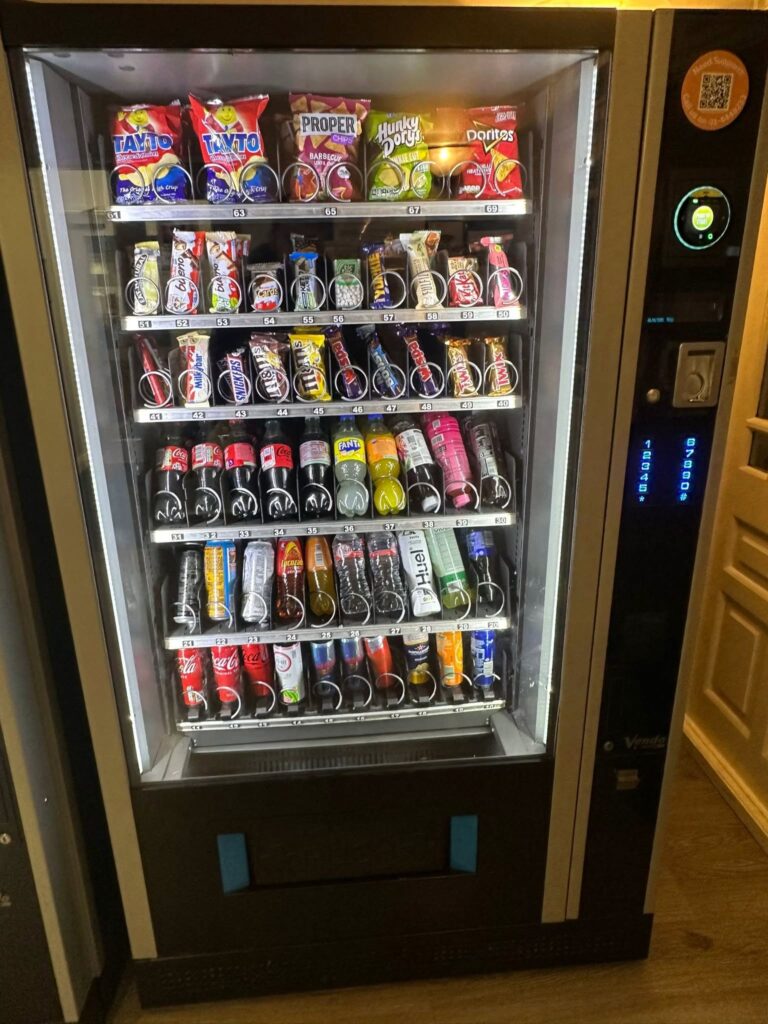
At the machine, locate the contactless symbol and follow the order shown on its display. Some customers reach for the phone while the reader is still waiting for a selection. Check that the correct product and price are on screen. Choose the intended card in Wallet, authorise as prompted and present the phone to the reader. Give the machine time to display what happened before trying again.
Read the machine’s message
If the reader says it is unavailable, connecting your phone to a nearby Wi-Fi network may do nothing to change that message. The terminal has its own connection and payment settings. The phone’s signal bars give you no information about them. Take note of the exact message and whether the machine accepted a selection. This is more useful to the operator than reporting simply that the internet was down.
If the machine approved a payment and the product failed to drop, the problem has moved beyond presenting a card. Check the delivery compartment and the machine display. Note the row number, price and time. A second tap can start a separate purchase, so read the screen before repeating the whole sequence. Use the operator details on the machine if you need to report an undelivered item.
A missing phone alert is a separate question
A transaction notification may arrive once the phone reconnects. The delay alone cannot tell you whether the vending machine authorised, cancelled or completed a sale. When you have a connection again, check the intended card with your bank and distinguish a pending entry from a completed one. Keep the time of the original attempt alongside any later notification so the operator can match the report.
For a workplace trial, test the normal customer journey at the proposed location with the operator present. Ask them to demonstrate the contactless symbol, a completed purchase and the contact route for a failed delivery. Record the reader message in each case. Staff on the next shift can then recognise a reader outage even if their own phones happen to have excellent mobile reception.
Our guide to tracing a vending refund explains another reason to retain transaction details. If you are evaluating snack machines for a workplace, ask how the proposed payment reader will be checked in the room where it will actually operate.


