A Vending Fault Photograph Is Blurred: Send Useful Context Without Repeating the Purchase
A blurred photograph can leave vending support unable to read the detail you wanted to show. That does not mean you should repeat a paid purchase or recreate a fault. Send the useful facts you already have, explain what the image was meant to capture and ask whether a safer replacement photograph would help.
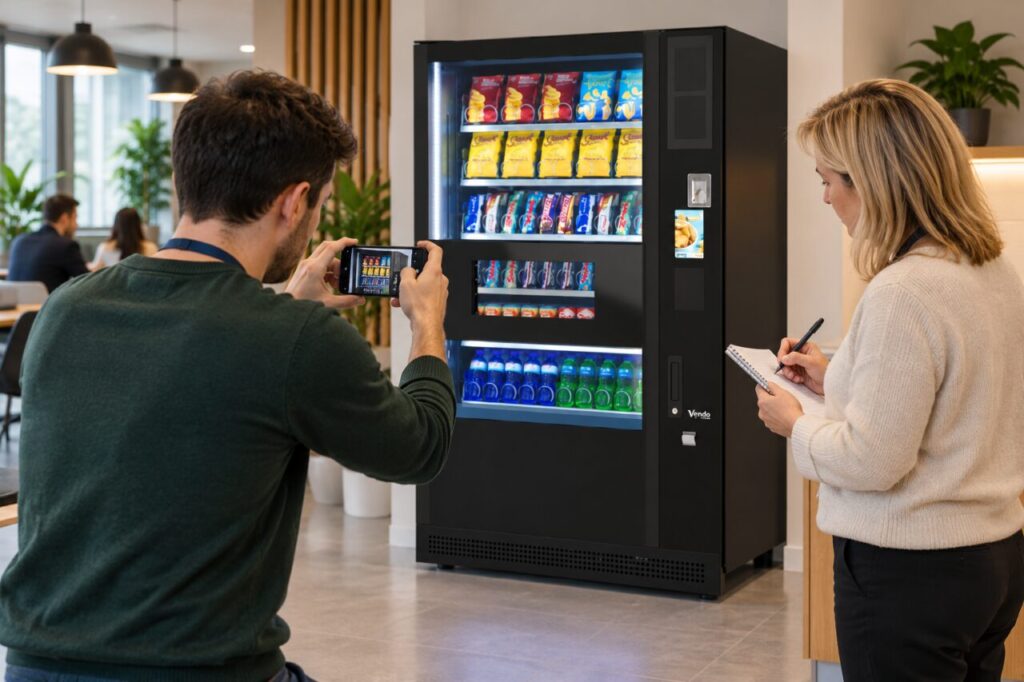
Start with the machine location, approximate time, selected product and what happened. If the picture showed a temporary message that has disappeared, say so. Do not edit the image to make uncertain letters look definite. A clear account of what you remember, labelled as a recollection, is preferable to an invented error code.
Explain what the original image shows
Tell support whether the photograph was intended to show the selection, a screen message, the collection opening or a damaged pack. Keep the original file if available. Sending an enlarged screenshot of a screenshot may not add useful detail, and it can remove the wider context that helps someone identify the part of the machine.
If several images were taken, send only the relevant ones through the agreed support route and identify their order. Explain which was before and which was after the event. Avoid presenting pictures from different purchases as one sequence. A simple description beside each image can be more helpful than a large unexplained attachment bundle.
Take another picture only when appropriate
For a stable external detail, such as a location label or visible product description, a replacement image may be straightforward. Stand where ordinary customers can stand, keep the phone steady and check the result before sending it. Use the normal room lighting and avoid blocking other users while trying to obtain the picture.
Do not open the cabinet, reach inside, move the machine or remove covers to improve the view. Do not climb on furniture or enter a restricted service area. If the detail cannot be photographed safely from the normal customer area, explain that limitation and let the operator decide whether an inspection is needed instead.
Protect information outside the question
Check the frame for other people’s faces, private documents and unrelated account information before sharing. A payment query rarely requires a photograph of a complete bank screen. Provide the purchase reference or limited details requested by the operator through its approved route, rather than sending a broad image that exposes unrelated transactions or card information.
When planning vending support arrangements, ask what photographs are useful and where they should be sent. A short site guide can help colleagues include the machine identity and relevant external detail without collecting more information than necessary. Keep the guidance focused on reporting, rather than asking staff to carry out diagnostic work.
Keep the case moving without a perfect image
Send the written report even if no usable photograph exists. State which details are confirmed and which are approximate. If support needs more information, ask for a precise request: the visible label, the product pack or a description of the message. This avoids several attempts that still fail to answer the actual question.
Retain the case reference and add any later image to the same report. Do not start a second complaint solely because the first attachment was poor. The aim is enough reliable context for the operator to investigate the correct event. A photograph supports that account; it should not become a reason to repeat a charge, take a risk or guess missing facts.
Related guidance: Vending Customer Support: Keep a Case Reference When More Than One Person Reports.
For help assessing your site, contact Vending-Machines.ie.