Buying Vending for Customers Without Smartphones: Separate Optional Apps from Essential Steps
A vending service can offer an app without requiring every customer to use it. Before buying for a shared workplace or public-facing site, establish which steps are essential and which are optional. Customers without smartphones, mobile data or an installed account should not discover an unexpected requirement only when they try to buy a drink.
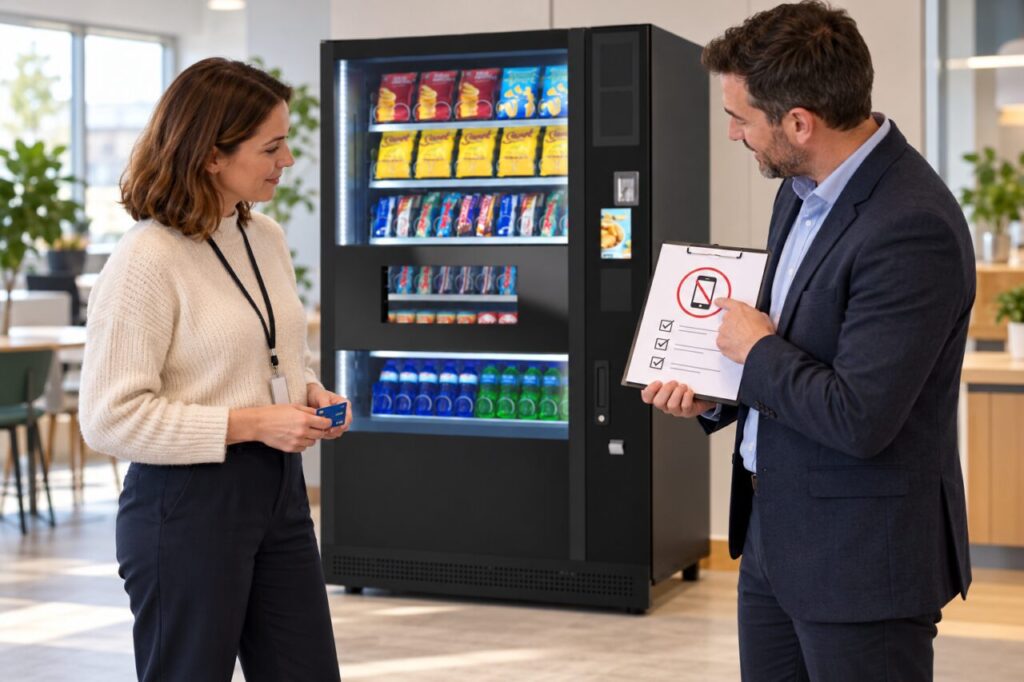
Start with your intended users rather than a preferred technology. Some may want a direct purchase; others may use an account-based benefit or loyalty feature. Those journeys can have different requirements. Ask the supplier to demonstrate the exact arrangement being proposed and explain any limitations rather than assuming all cashless systems work in the same way.
Separate payment from additional features
List the tasks a customer must complete to buy an ordinary item. Ask whether an app, registration, phone number or internet connection on the customer’s own device is required. Then list optional functions separately, such as viewing a balance or using a particular benefit. A feature being available through an app does not establish that the app is necessary for every sale.
Check the payment methods actually supported by the quoted configuration. Do not infer physical-card support merely because a phone payment was demonstrated, or assume cash acceptance because another model offers it. Record the confirmed methods and any service dependencies in the proposal. Keep the answer specific to the equipment and provider arrangement you will receive.
Demonstrate a purchase without a phone
Ask for an ordinary customer demonstration using the supported non-phone route, if that route is part of the proposal. Follow selection, payment response and collection without a staff account or an unexplained shortcut. Ask what the customer sees if a method is unavailable. A useful demonstration makes the limitation visible as well as the successful path.
Consider how customers obtain help and purchase information afterwards. A receipt, refund request or support process may introduce a phone dependency even when payment does not. Ask whether a suitable alternative exists and who provides it. Do not describe a QR code as an accessible alternative for someone whose difficulty is precisely that they cannot use a smartphone.
Check staff benefits separately
Where a workplace benefit uses an account or app, ask how eligible staff without the required device are handled. This is a scheme-design question for the employer and provider, not something to solve by sharing another person’s login. Record the agreed alternative or limitation before announcing the benefit, including who can answer questions confidentially.
Avoid collecting unnecessary information about why a person does not use a phone. A practical requirement can be stated without making employees justify their circumstances. Keep the equipment enquiry focused on the customer journeys the site must support. When comparing vending options, ask each supplier the same concrete questions so the answers can be evaluated consistently.
Make the final instructions accurate
At handover, verify the confirmed routes on the delivered service and keep promotional wording aligned with them. If an app is optional, instructions should not suggest it is compulsory. If a particular feature genuinely requires one, explain that before the customer begins. Do not advertise a universal alternative that the site has not actually tested.
Review customer feedback after launch for points where people stop or ask for help. Distinguish a temporary payment fault from a structural requirement that excludes a user group. Pass the evidence to the responsible supplier and employer, then update the instructions when a supported solution is agreed. The objective is a clear, usable choice rather than technology that customers must decipher themselves.
For a proposal suited to your site, contact our team with the location, expected users and your main requirements.
Related guidance: Buying a Used Vending Machine: Check the Card Reader Account Transfer.