A Micro-Market Item Has No Displayed Price: Ask Before Adding It to Your Purchase
An item on an open micro-market shelf has no visible price. Ask the host or operator before adding it to your purchase rather than assuming it is free, priced like a neighbouring product or included in a workplace benefit. Identify the exact item and keep the question separate from any purchase you have already completed.
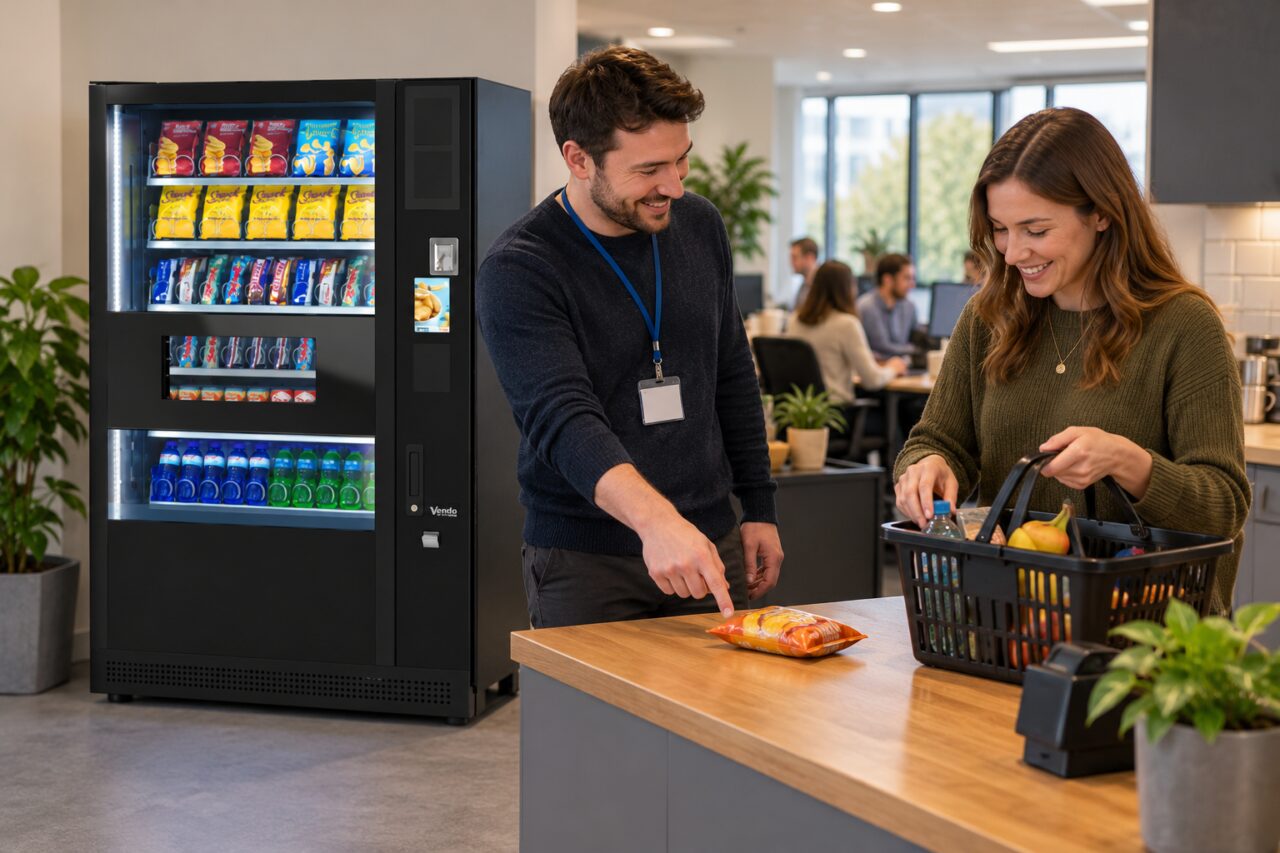
A missing shelf label can be an ordinary display problem, but the customer still needs a clear answer. Different pack sizes, recipes or offers may sit close together. Guessing from the nearest label risks selecting the wrong item in a self-checkout or accepting an amount that was never the price you intended to pay.
Match the item and its shelf position
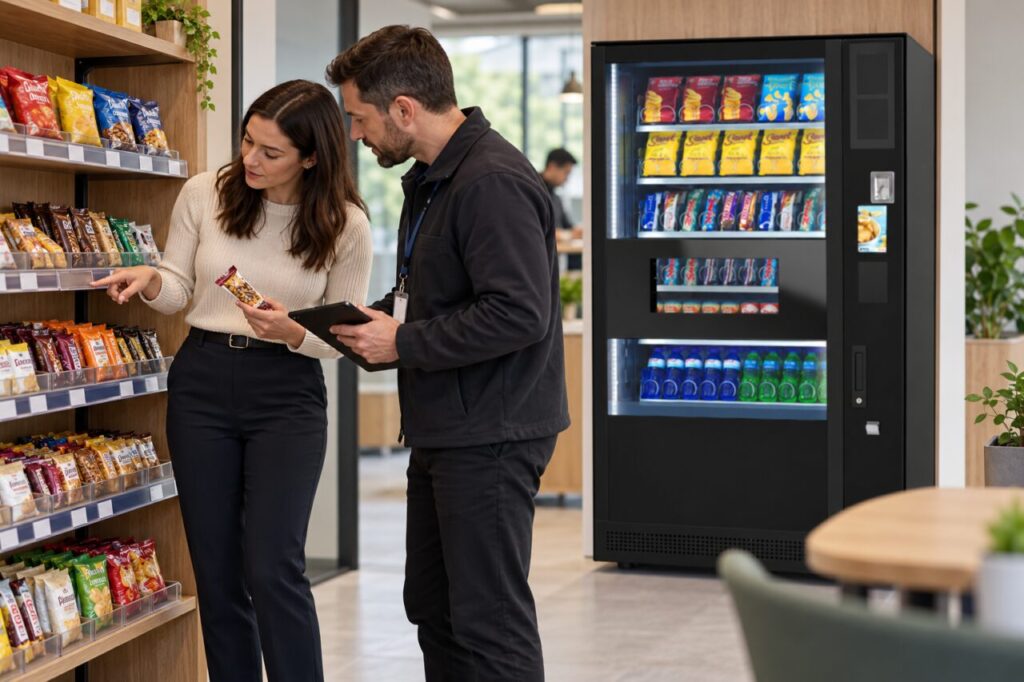
Read the product name, variant and pack size, then check whether the nearby price label actually describes that item. Do not move labels between positions to make the display look complete. If you ask for help, show the unopened product and explain where you found it. A photograph of the shelf can help the operator identify the gap.
Keep other customers’ information out of photographs, particularly where a payment screen is nearby. Do not collect extra products merely to compare codes. The host should use the relevant product record or operator process to establish the correct item and price, rather than rely on memory of a similar pack sold elsewhere.
Confirm the amount before committing
Where the supported checkout process displays the price before payment, check that it matches the item you intend to buy. If the amount is unexpected or the product description differs, stop and ask for assistance. Do not substitute another product’s barcode or choose a similar item from a menu just to get through the transaction.
If you decide not to buy, follow the host’s instructions for returning the item and cancelling any incomplete basket. Do not assume walking away clears every checkout. Keep payment status clear if you already presented a card or other method. A question about a shelf label should not become an uncertain second purchase while staff investigate the first.
Keep benefits and promotions separate
A workplace allowance or promotion may have its own eligibility and product rules. The absence of a price label does not establish that an item is covered. Ask the scheme contact or operator for the confirmed arrangement. Staff should avoid promising a free item or a particular discount unless they are authorised and have checked the relevant details.
If a promotion is confirmed, ask which items and dates it applies to and how the customer should use it. Keep that answer distinct from the ordinary product price. This helps prevent a temporary offer being treated as the permanent price after the display is corrected or the promotion has ended.
Correct the display through the responsible operator
Site staff should report the exact shelf position and product, then let the responsible person update the label or other approved price information. Check the corrected display against the product it describes. A new label in the wrong position leaves the customer problem unresolved, even if the shelf no longer appears to have an empty space.
When considering micro-markets alongside traditional vending, ask who maintains shelf information and how customers obtain help during all access hours. Clear prices, accurate item identification and a working support route are practical parts of the service. The customer should be able to make an informed choice before paying, without having to improvise a price from surrounding products.
For a proposal suited to your site, contact our team with the location, expected users and your main requirements.
Related guidance: Micro-Market Barcode Will Not Scan: Ask for Help Without Substituting an Item.